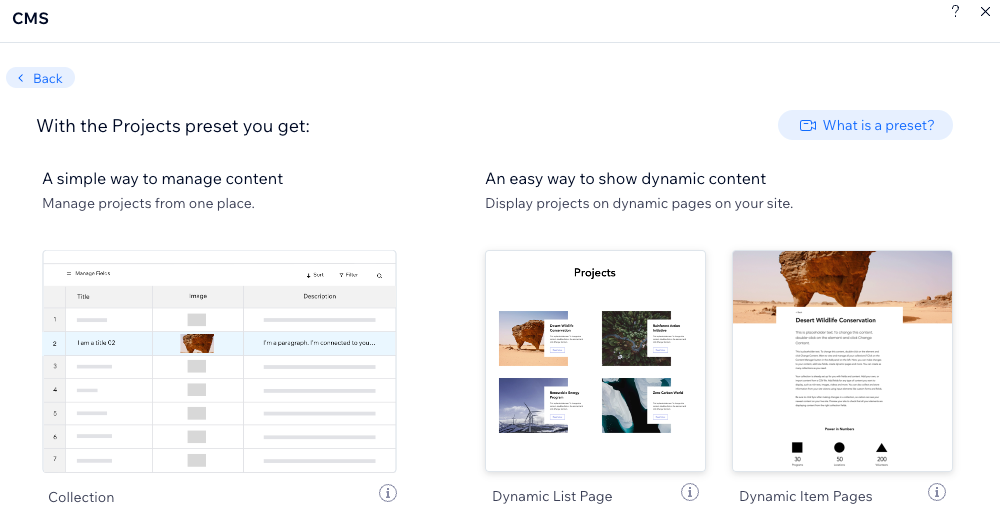
A CMS (Content Management System) preset acts as a template for creating dynamic pages that connect to CMS collections.
Each preset includes:
A sample collection with content that connects to your dynamic pages.
A dynamic list page that showcases the collection items in a repeater or gallery.
A dynamic item page that displays details about individual collection items.
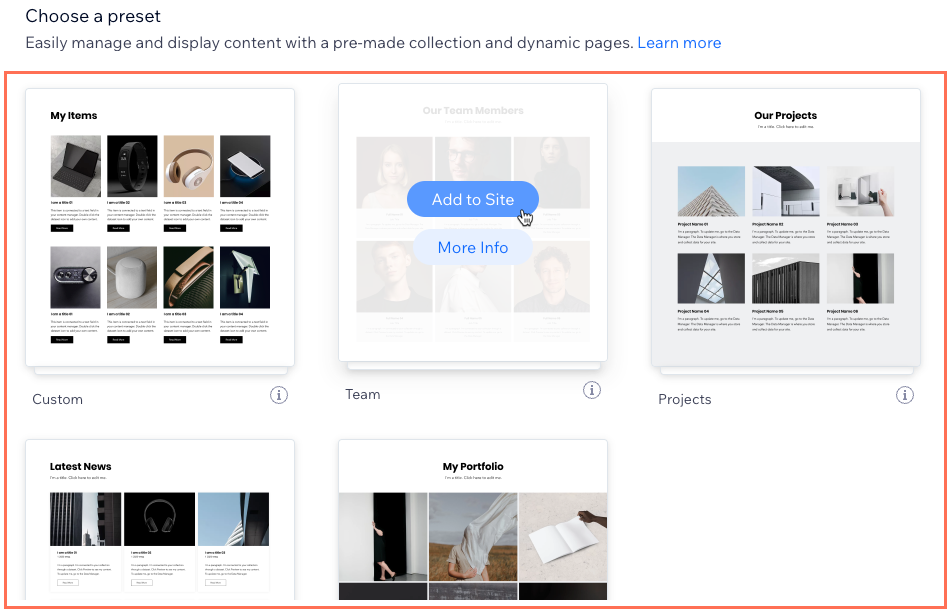
You can choose from several customizable presets. When you add a preset, the dynamic pages and their connected collection are automatically added to your editor. You can then customize them to fit your needs.
Wix Editor
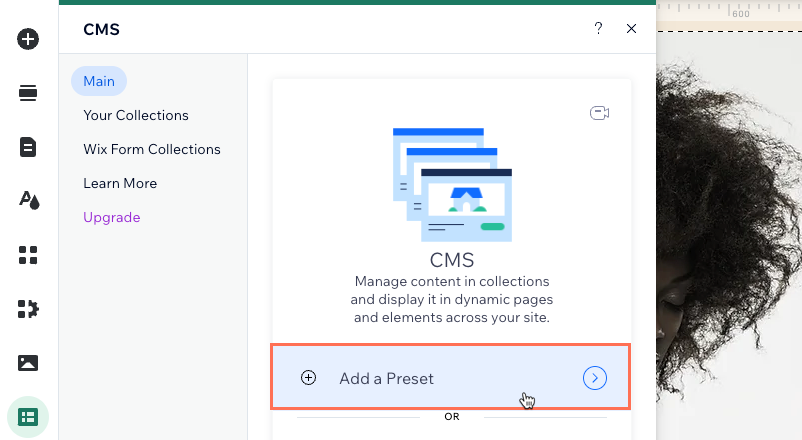
Click CMS

on the left side of the editor.
Click Add a Preset.
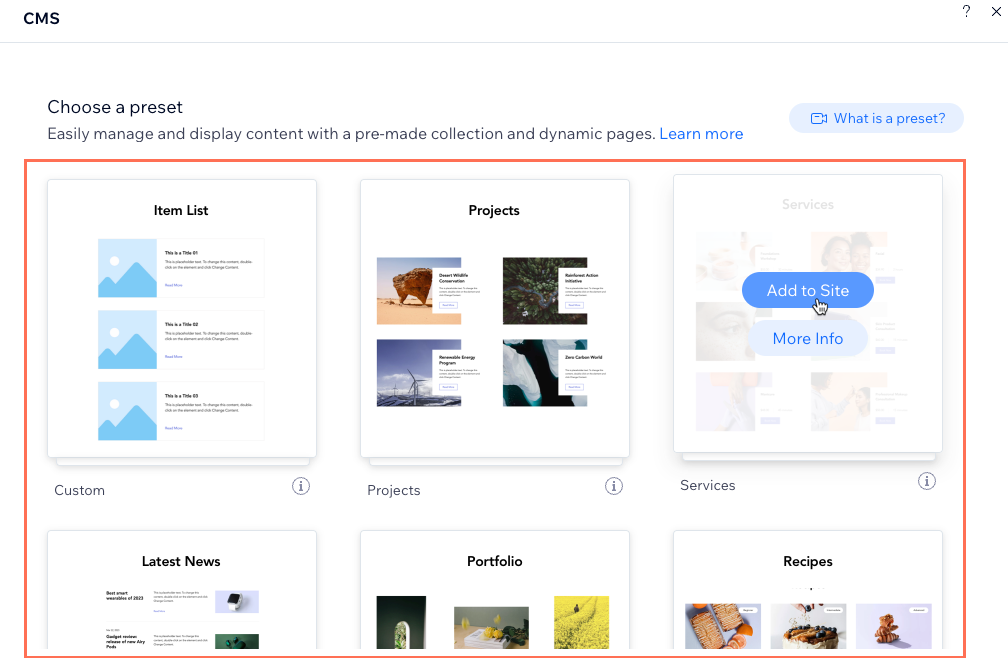
Hover over the preset that you want to add and click Add to Site.
Tip: The Portfolio preset has a dynamic list page with a Pro Gallery that connects to the collection. The dynamic list page with all the other presets includes a repeater with attached elements that connect to the collection.
Studio Editor
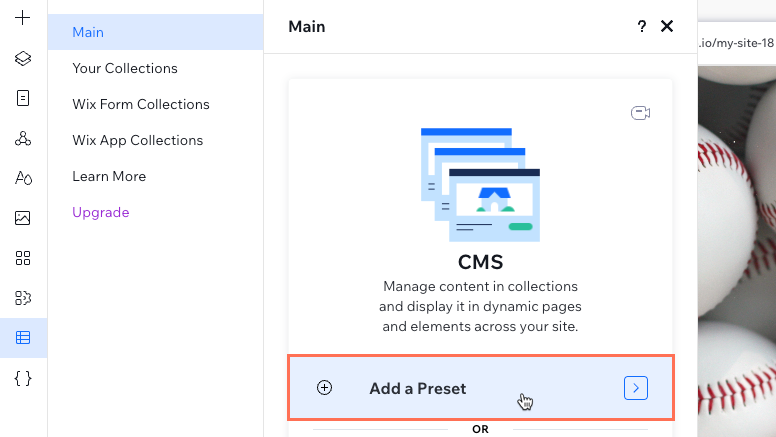
Click CMS

on the left side of the editor.
Click Add a Preset.
Hover over the preset that you want to add and click Add to Site.
Tip: The Portfolio preset has a dynamic list page with a Pro Gallery that connects to the collection. The dynamic list page with all the other presets includes a repeater with attached elements that connect to the collection.
Next:
Learn how to manage CMS collections.
Learn how to design dynamic pages.
Learn how to connect elements on your page to datasets to display collection content.
Learn how to use category collections to organize your content.
This article is credited to the Wix team - https://support.wix.com/ and we thank them for that!
