Managing your members
By default, any site visitor who signs up, is automatically accepted as a site member. You can change this setting.
Requiring manual approval for each site visitor:
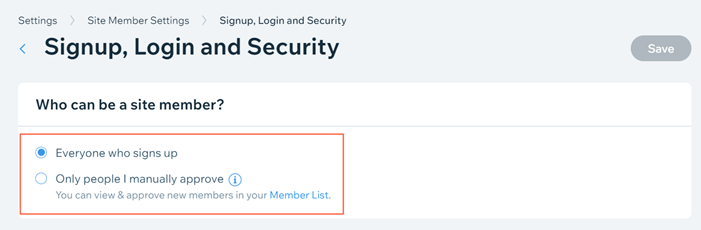
Go to Signup, Login, and Security in the Settings section of your site's dashboard.
Select whether you want everyone to be able to sign up or only people you manually approve under Who can be a site member?.
Click Save.
