Managing your posts
Wix Blog: Embedding a Social Post in a Blog Post
You can embed social posts directly into blog posts in your site's post composer. Add the embed code of the social post as a HTML element and then customize its height, width, and positioning in your blog post.
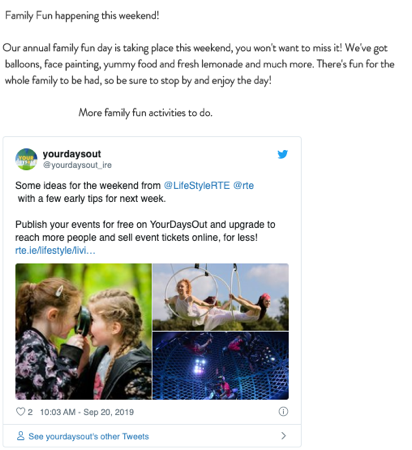
To embed a social post into a blog post:
Go to the social post that you want to embed.
Get the embed code by following the relevant instructions:Facebook: Click the More actions
 icon at the top right of the post and click </> Embed.
Twitter: Click the More actions icon at the top right of the post and select </> Embed Tweet.
Instagram: Click the More actionsicon at the top right of the post and select Embed.
YouTube: Click Share under the relevant video and select <> Embed.
Copy the code.
Go to Blog in your site's dashboard.
Select the blog post that you want to edit.
Click Add.
Click HTML code under From The Web.
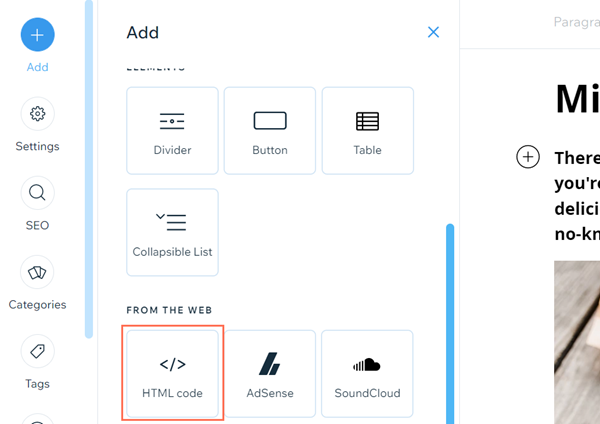
Select HMTL Code on the pop-up.
Paste the code you previously copied.
(Optional) Adjust the height and width of the element select left, center, or right alignment for it.
Click Save.
