When you set a video as free, you can require viewers to sign up using their email address before they watch the video, so that their email is added to your site's contact list.
To require viewers to sign up before watching a video:
Go to Video Library in your site's dashboard.
Click the Edit icon

next to the video you want to change.
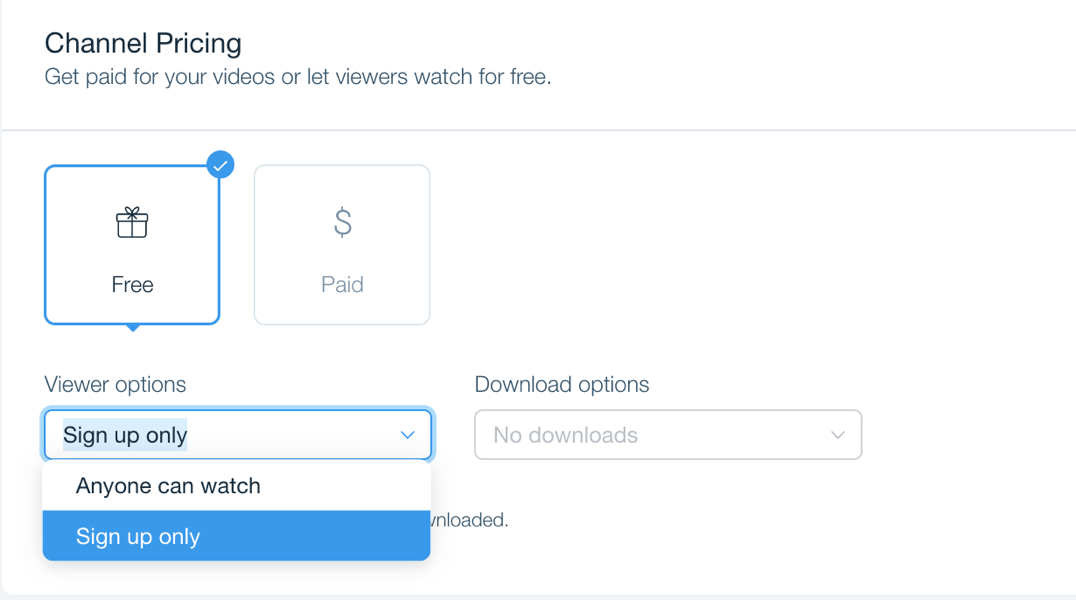
Select Free under Video Pricing.
Click the Viewer options dropdown and choose Sign up only.
Click Save.
Note:
Visitors who sign up are added to your Site Members group in your Contacts.
You can only require sign up for free videos. When your viewers purchase a video their email address is added to your Site Members group.
This article is credited to the Wix team - https://support.wix.com/ and we thank them for that!