You can set up your video settings to allow your viewers to watch them online. Viewers can watch online for a set price with a set amount of time to watch.
Important:
Your site visitors need to sign up/become a site member in order to purchase videos, subscriptions, and also rent videos.
Video rental periods begin when your site visitors purchase them.
Videos can only be rented for a maximum of 72 hours.
Social Media videos cannot be rented.
Videos set to rent cannot be downloaded.
To Rent Your Videos:
Go to Video Library in your site's dashboard.
Select the checkbox to the left of the video or videos that you want to rent.
Click Set Pricing at the top of your list of videos.
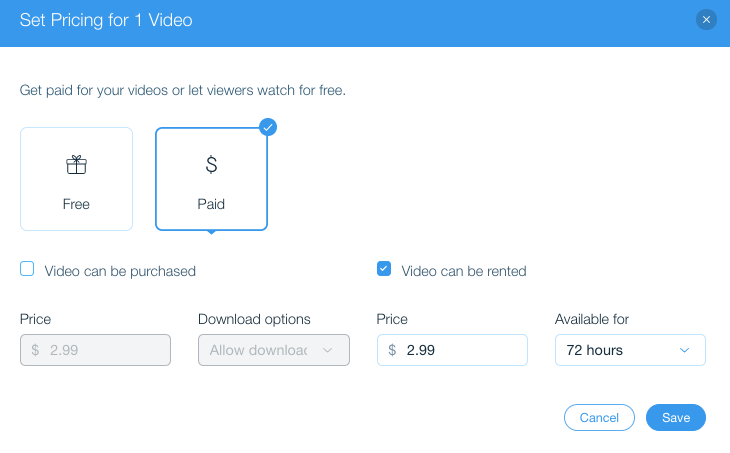
Select Paid.
Select Video can be rented.
Enter the price and length of the rental availability.
Click Save.
This article is credited to the Wix team - https://support.wix.com/ and we thank them for that!