You cannot manage your visitors' channel subscriptions, this is something they do themselves. If your visitor inquires about canceling their subscription they can do it from their profile on your site.
You can provide the following instructions to your visitors should they wish to cancel a subscription.
To cancel your subscription:
Select the relevant channel.
Click the Profile icon

to access your profile.
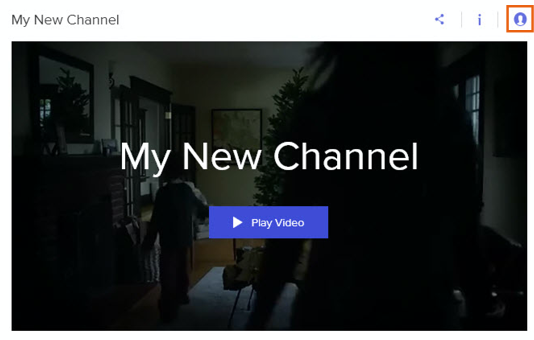
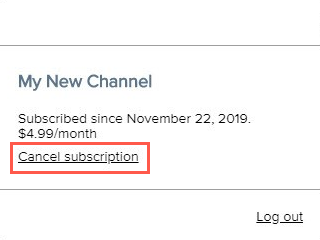
3. On the pop-up click cancel subscription.
This article is credited to the Wix team - https://support.wix.com/ and we thank them for that!