Rather than delete videos one by one, you can delete an entire channel at once directly from your video library in the dashboard.
To delete a channel from your video library:
Go to Video Library in your site's dashboard.
Click the Channels tab.
Click the channel you want to delete.
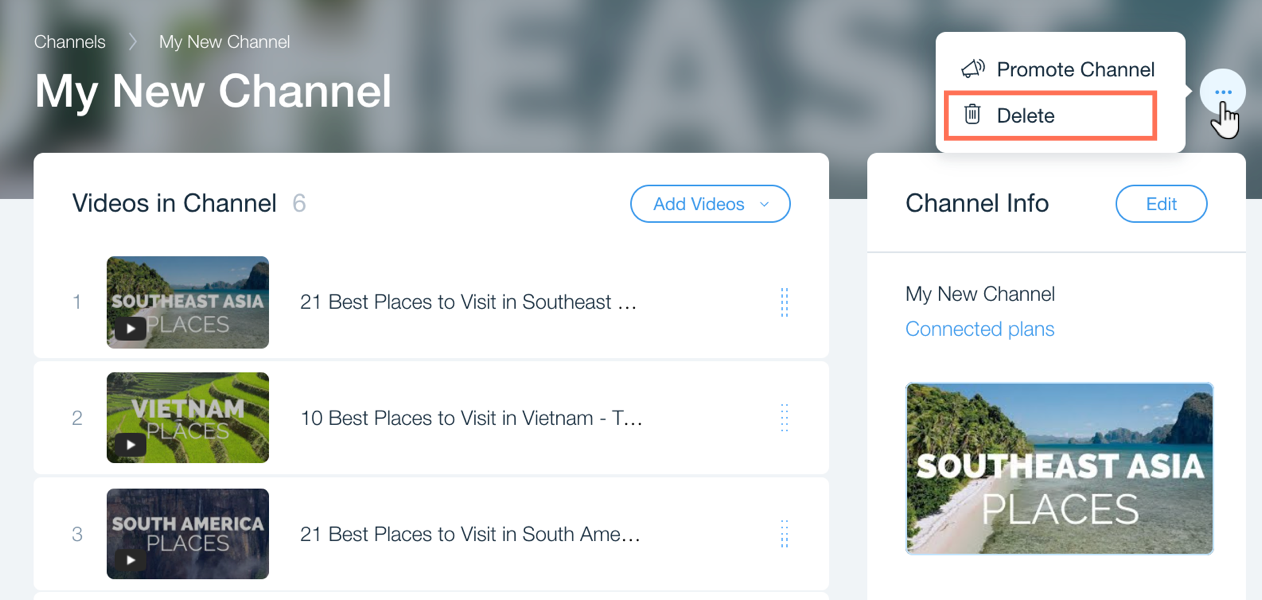
Click the Show more icon at the top right.
Click Delete.
Click Delete Channel to confirm.
This article is credited to the Wix team - https://support.wix.com/ and we thank them for that!