Tags are used to help viewers search for videos in the channel, and also used as keywords for SEO. You can add tags to your videos to help your visitors search your channel more efficiently.
To add a tag to a video:
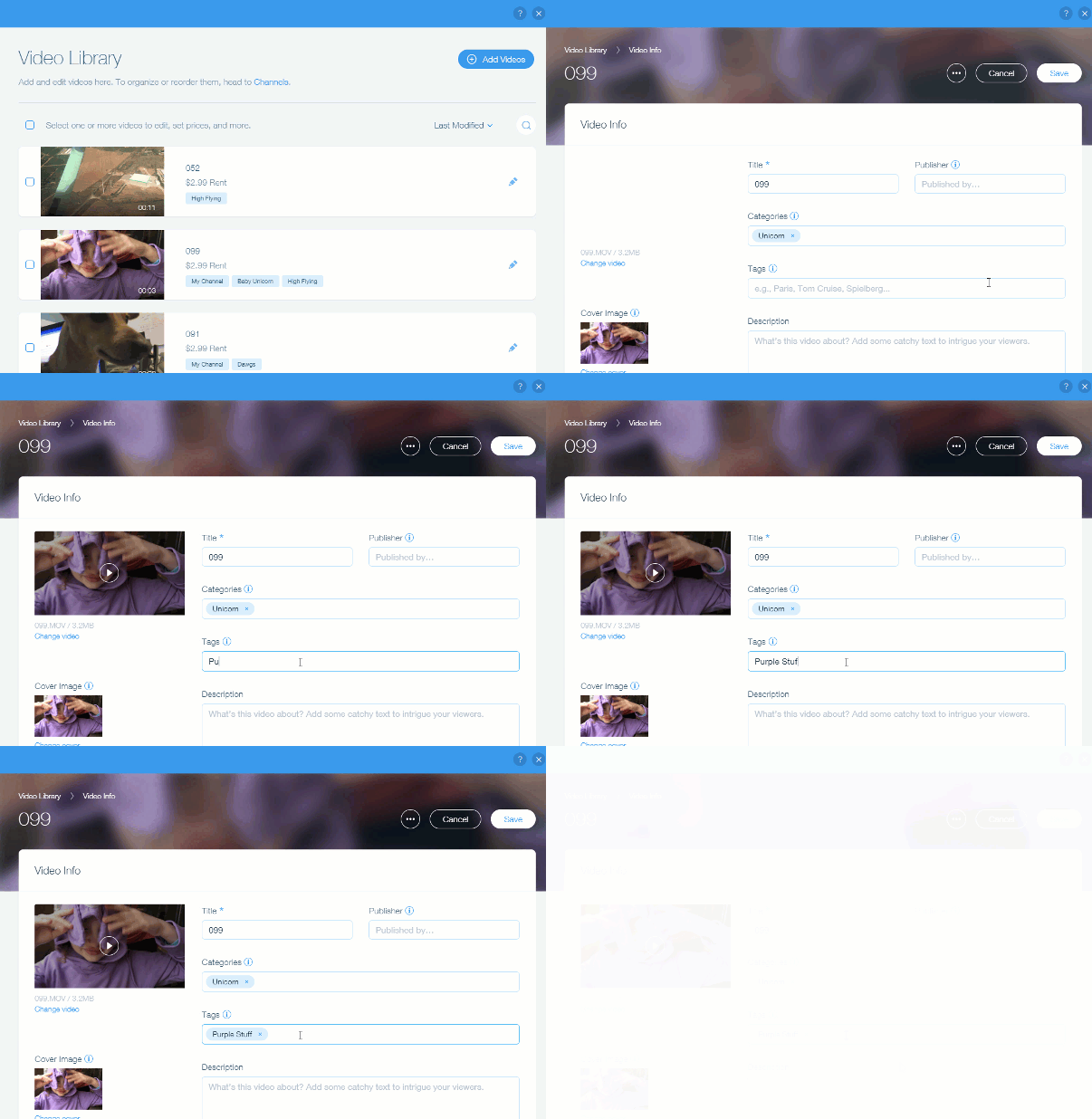
Go to Video Library in your site's dashboard.
Click the Edit

icon on the video to which you want to add a tag.
Enter the tags in the Tags field.
Press Enter on the keyboard
Analytics & Reports:
You can find all the latest analytic reports on your video content in the Analytics & Reports tab in your dashboard.
This article is credited to the Wix team - https://support.wix.com/ and we thank them for that!