Manage your team's Customer Care interactions in one place. From your Wix Studio workspace, you can track past conversations, check ticket statuses, and revisit previous solutions. Search or filter by reporter, site, or status to quickly find the information you need.
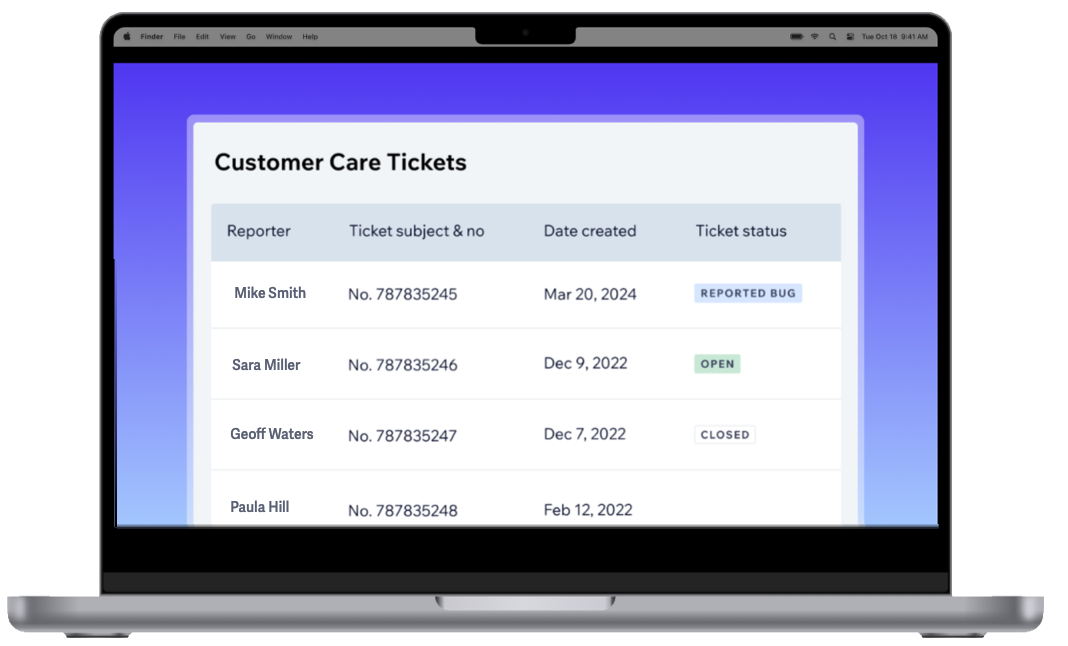
Viewing your ticket log
The Customer Care Tickets tab provides a complete view of your team's ticket history, helping you track issues and revisit past solutions efficiently.
Tickets are categorized by status to help you monitor their progress:
Open: Awaiting a response from you or Customer Care.
Reported Bug: Identified as a bug and under investigation.
Closed: Resolved and marked as closed.
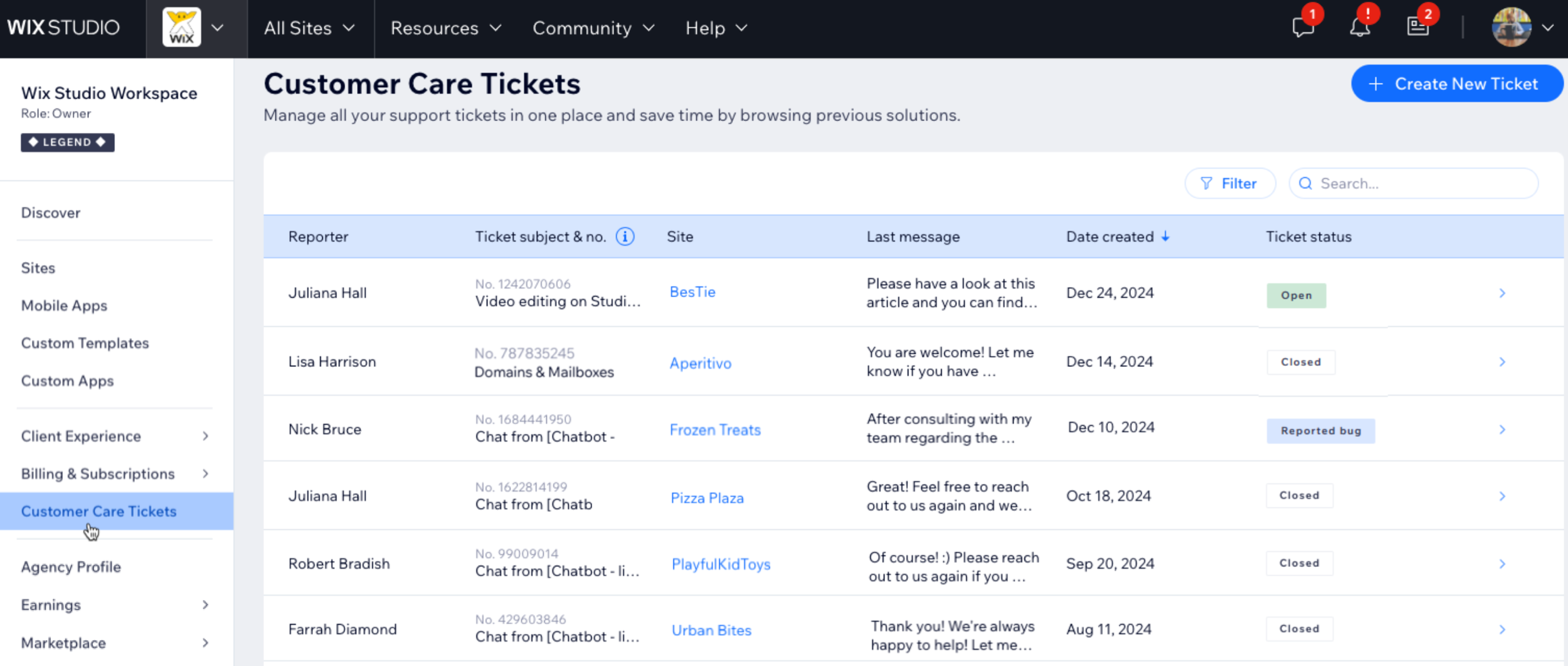
To view your ticket log:
Go to Customer Care Tickets in your Wix Studio workspace.
Hover over a ticket and click View to see the conversation with Wix Customer Care.
Use the search bar or filter to narrow tickets by reporter, site, or status.
Something new came up?
Click + Create New Ticket at the top right to start a new conversation with Wix Customer Care.
FAQs
Click a question to learn more about the Customer Care Ticket log.
What tickets can I see in the log?
If you’re the owner or co-owner of the workspace, you can access all tickets created by your team. Teammates can only see tickets they’ve submitted.
Can I search for a ticket by keywords?
Yes, you can search for tickets using keywords related to topics, ticket numbers, or sites. You can also filter tickets by reporter, site, or status ( Open, Bug, Closed).
Can I see tickets that haven't been answered yet?
Yes, tickets that are waiting for a response from Customer Care will appear as Open.
Can I reopen a ticket?
Reopening a ticket isn’t available. If you need additional help, create a new ticket.
Can I edit or delete a ticket?
No, it’s not possible to edit or delete tickets, including their subject lines. All details remain in your log to maintain a complete record of your team's interactions with Customer Care.
How do I find my ticket number from past interactions if I haven't switched to Wix Studio?
Your ticket number depends on how you contacted Customer Care:
Phone support: After your call, you'll receive an email from Wix. The subject line includes your ticket number. For example: "You have a new response from the Wix Team (Request 12345678)".
Chat support: Ask the Customer Care expert for your ticket number during the chat, as it won’t be sent automatically.
Email support: After submitting your request, you'll get a confirmation email. Your ticket number is located at the bottom.
This article is credited to the Wix team - https://support.wix.com/ and we thank them for that!