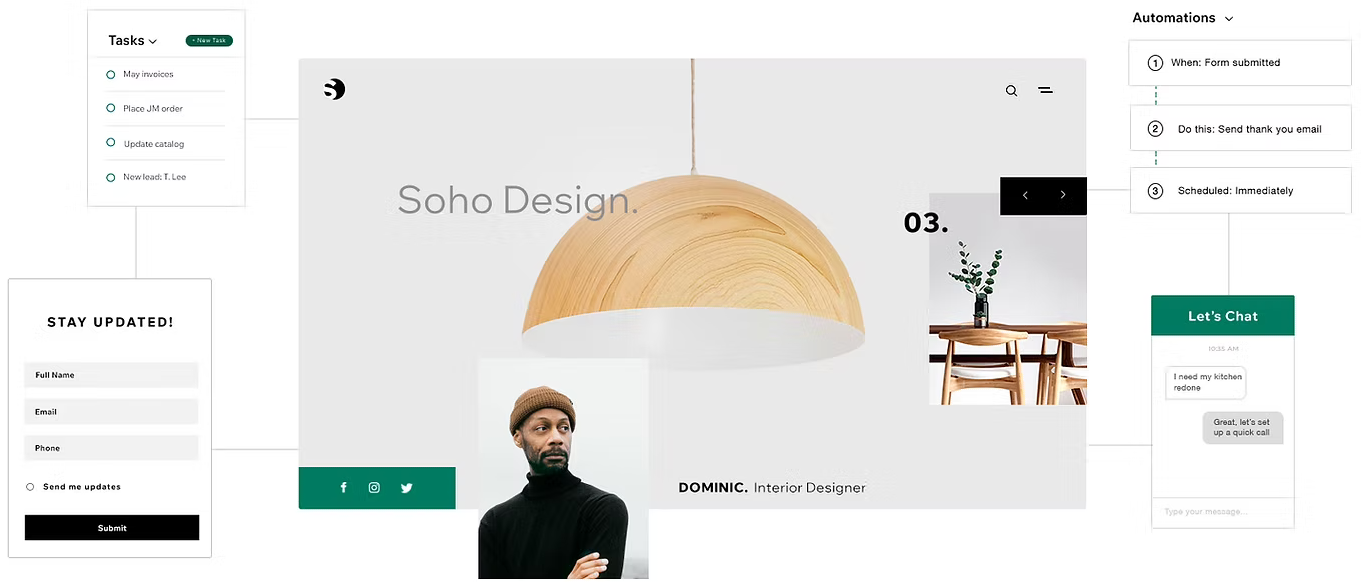
Streamline your workflows and grow your agency with CRM tools in Wix Studio. Manage client communication and projects from a centralized hub, helping you stay organized and in control.
Accessing CRM tools
There are 2 levels for CRM tools in Wix Studio:
Workspace-level tools: Manage your agency’s clients and projects across all sites.
Site-level tools: Focus on managing customers and activities for your clients sites.
Workspace-level CRM tools
Workspace-level tools are accessed from the Client Experience tab in your workspace. Use these tools to manage clients and projects on an agency-wide level:
Go to CRM & Client Billing in your Wix Studio workspace.
Choose the tool you want to use:
Contacts: Centralize client information to streamline communication and ensure quick access to contact details.
Tip: Use the More Actions icon

at the top to access Tasks & Reminders and Workflows.
Inbox: Centralize all client communication, including emails and messages, in one organized location.
Automations: Save time by automating repetitive tasks, like follow-up emails or assigning tasks.
Email Marketing: Create professional campaigns to engage your client base, promote services, and build your brand.
Site-level CRM tools
Site-level tools are accessed through each site’s dashboard. They help manage individual site customers and workflows:
Select the desired tool from the left-hand navigation bar:
Contacts: Hover over Customer & Leads and click Contacts to manage customer information.
Tip: Use the More Actions icon

at the top to access WorkflowsandTasks & Reminders.
Inbox: Click Inbox to handle emails and chat message for the site.
Automations: Click Automations to set up automated responses tailored to the site's specific needs.
Email Marketing: Hover over Marketing and click Email Marketing to create campaigns for a site's audience.
FAQs
Click a question below to learn more about CRM tools in Wix Studio.
Why can't I see certain tools in the workspace?
Access to workspace-level tools depends on your permissions. Contact the workspace owner to update your role or permissions if needed.
Why can't I see certain tools in a site's dashboard?
Access to site-level tools depends on your permissions. If you’re not the site owner, reach out to the site owner for assistance.
How do I import existing client information into the workspace?
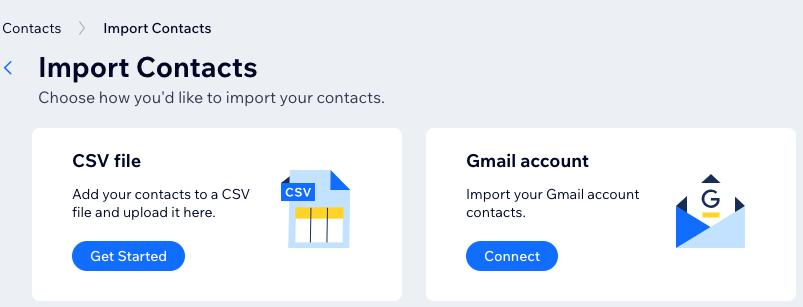
You can import contacts by uploading a CSV file or connecting a Gmail account.
To import your contacts:
Go to CRM & Client Billing in your Wix Studio workspace.
Click Import / Export at the top right.
Select Import contacts.
Choose how to import your contacts:
Upload a CSV file: Click Get Started and follow the prompts.
Connect Gmail: Click Connect to import contacts from a Gmail account.
This article is credited to the Wix team - https://support.wix.com/ and we thank them for that!