Create a branded experience for your clients and showcase your agency as a Wix Partner.
Use Custom Branding to seamlessly include your agency's brand in email invitations, site dashboards, and free site banners that link to your agency's business site. Enhance brand visibility and create a unified experience for your clients across multiple touchpoints.
Note:
Only workspace owners and co-owners can set up custom branding.
Setting up Custom Branding
Create a branded experience for your clients to promote your agency as a Wix Partner.
To set up Custom Branding:
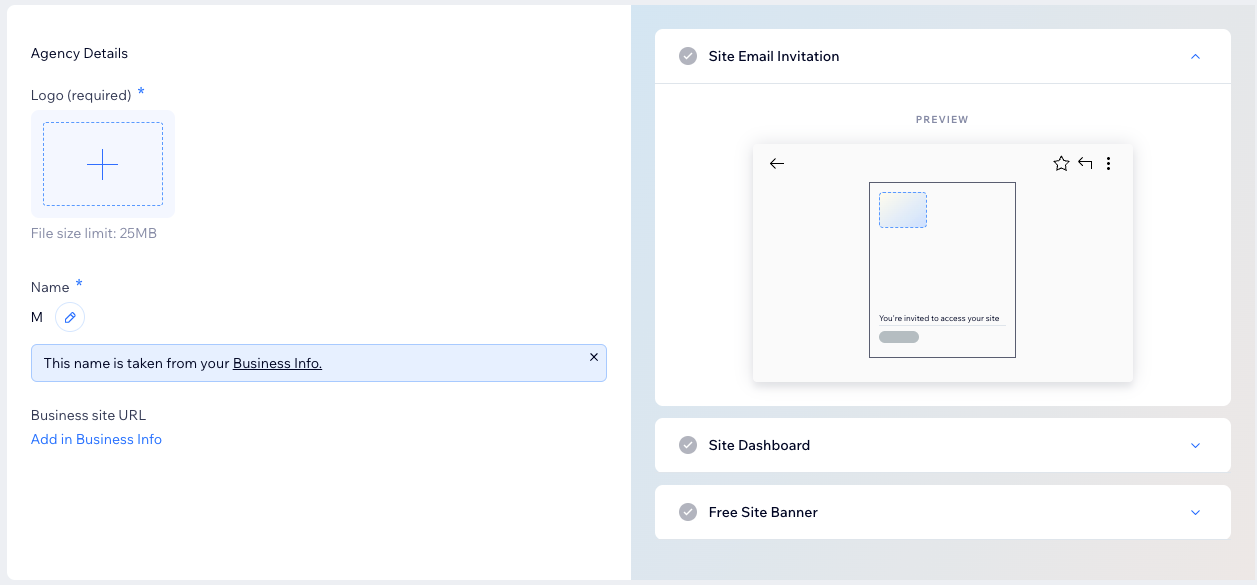
Go to Custom Branding in your Wix Studio workspace.
Click Set Up Now.
Click Upload Image under Logo.
Select your logo and click Choose File.
Note: Your logo should have a rectangular aspect ratio (e.g. 4:3).
(Optional) Click the Edit icon

to update your business name in the Business Info tab of your Wix Studio workspace.
Click Add in Business Info under Business site URL to link your agency's logo to your business portfolio site.
FAQs
Click a question below to learn more about custom branding as a Wix Partner.
Where will my clients see my agency's brand?
Your agency's brand will be featured in the following way:
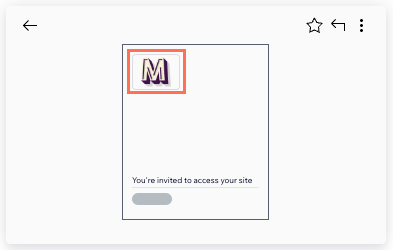
Site email invitations: Your agency's logo appears in email invitations to your clients, providing a professional and branded touch to your communication.
Site dashboard: Your agency's logo appears on your clients' site dashboards, ensuring consistent brand visibility as they navigate and manage their sites.

Free site banners: Your agency's details are displayed in the site banners at the top of free Wix sites you've published. Add your business name and logo so visitors can see your agency's brand.
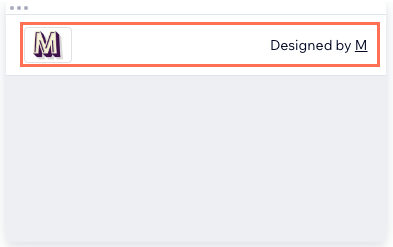
Pro Tip: To maximize exposure and create a seamless brand experience, add a business site URL. This clickable link in your client's free site banners will drive traffic directly to your business portfolio site, allowing you to showcase your agency's work and services.
What is the difference between the logos in the Business Info tab and the Custom Branding tab?
The logo in the Business Info tab of your Wix Studio workspace is showcased in various client-facing materials such as client kits and invoices. For best results, we recommend using a high-resolution, square image (1:1), 100 x 100 px min.
As a Wix Partner, you can further enhance your agency's brand visibility with Custom Branding. For best results in this feature, we recommend using a high-resolution, rectangular image (4:3).
To maintain a consistent and unified brand presence across all client interactions, consider using a similar logo in both tabs, adapting the ratio for each.
Is it possible to remove custom branding if I decide not to use it?
Yes. You can simply remove your logo or click Remove Custom Branding in the Custom Branding tab of your Wix Studio workspace.
This article is credited to the Wix team - https://support.wix.com/ and we thank them for that!