You can add and set up Wix Stores for free, but before customers can place orders, you need to upgrade your site to a plan that allows you to receive payments.
Dig deeper:
Learn more about upgrading to a Premium plan.
If you're using Wix Studio, learn more about upgrading to a Studio plan.
To upgrade your site:
If you have not already done so, add Wix Stores to your site.
Go to your site's dashboard.
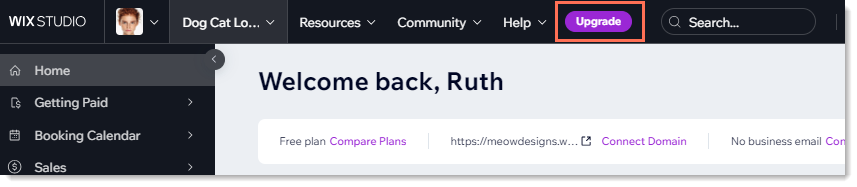
Click the Upgrade icon.
Click Select under the plan you want to purchase.
Select a subscription period and click Continue to Checkout.
Enter your payment details.
Click Submit Purchase.
Refresh your editor to see the upgrade applied to your site.
Important:
After submitting your purchase, your bank may require you to verify your identity. If you're experiencing any issues with the authentication process, contact your bank directly.
This article is credited to the Wix team - https://support.wix.com/ and we thank them for that!