You can choose from two resizing options for images:
Crop
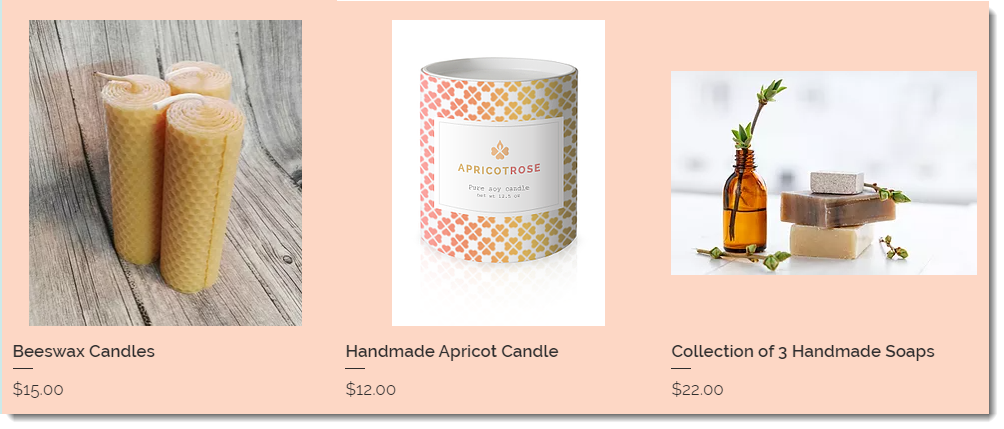
Images are cropped so that they are all the same size. If you upload images in different sizes and with different aspect ratios, part of the image may be cut off.

Fit
If you select the fit option, the entire image is displayed and keeps it's original aspect ratio. Images in your gallery will not have the same aspect ratio unless the original images had them.
Notes:
The recommended minimum size for product images is 3000 x 3000 pixels.
You can crop and edit product images in the Products tab. Learn More
To select how images are resized:
Go to the relevant page In the Editor.
Note: Make sure you are in desktop editing mode.
Click the Product Gallery.
Click the Settings icon

.
Click the Layout tab.
Select a resizing option:
Crop
Fit
Select an image ratio.
This article is credited to the Wix team - https://support.wix.com/ and we thank them for that!