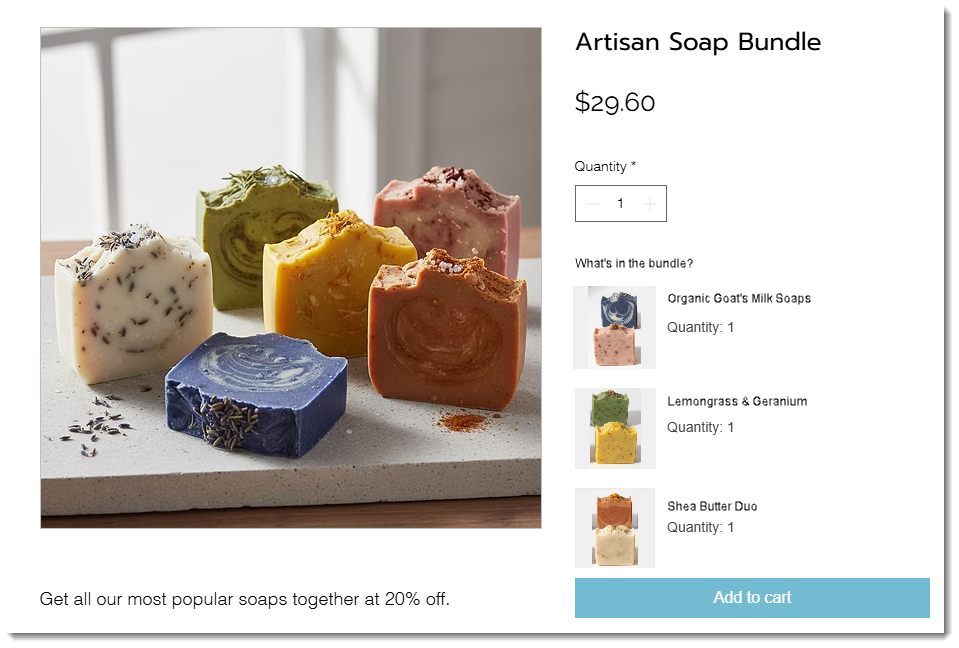
Using the Product Bundles app by PurpleBear, you can combine multiple store products into a single, discounted offer while managing inventory accurately for each item - even if you also sell them separately.
Adding the Product Bundles app to your site
Start by adding the app to your site and then create your first bundle right in the Wix dashboard.
Wix Editor
Click Add Apps

on the left side of the editor.
Search for the Product Bundles app in the search bar.
Click Add to Site.
Review the permissions and click Agree and Add.
Studio Editor
Click App Market

on the left side of the editor.
Search for the Product Bundles app in the search bar.
Click Add to Site.
Review the permissions and click Agree and Add.
After you've saved your first bundle, you can add the Product Bundles plugin to your editor and design it so it integrates seamlessly with the rest of your products.
Learn more about creating and customizing a product bundle.
This article is credited to the Wix team - https://support.wix.com/ and we thank them for that!