Save time when creating new products by duplicating existing ones and then editing them right in the Wix mobile app.
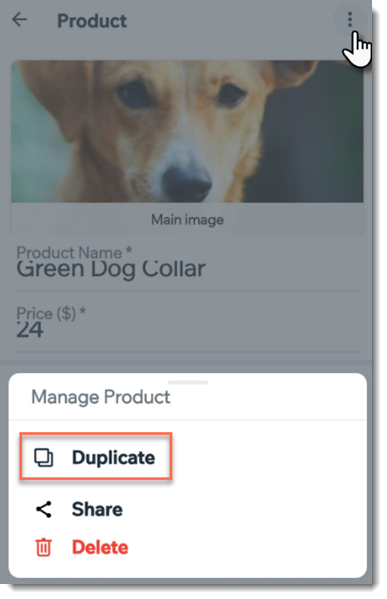
To duplicate a product:
Go to your site in the Wix app.
Tap Manage

at the bottom.
Tap Store Products,or tap Catalog and select Store Products.
Tap the product you want to duplicate.
Tap the More Actions icon

at the top of the screen.
Select Duplicate.
Edit the product name and any other details you need to change.
Tap Save.
This article is credited to the Wix team - https://support.wix.com/ and we thank them for that!