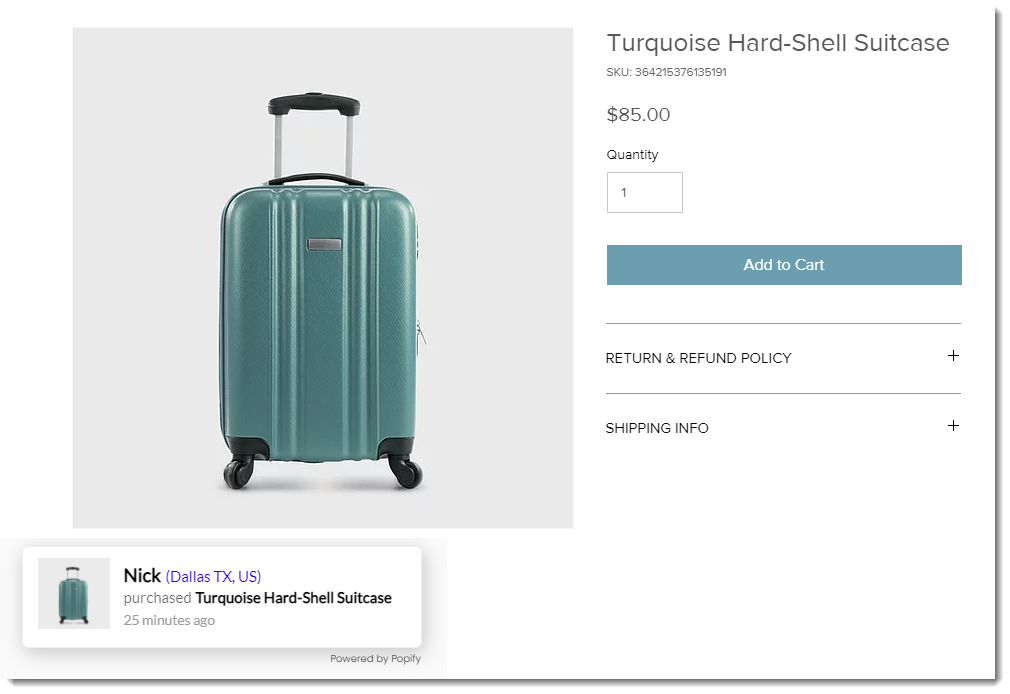
With Popup Sales Pop, Email & Coupons by Popify, you can create pop-ups about orders, reviews, or promotions to help convert site visitors into customers. You can use the app for free or choose one of their premium plans.
Before you begin:
Make sure your site has been upgraded to a Premium plan or Studio plan that allows you to accept payments.
Wix Editor
Click Add Apps

on the left side of the editor.
Search for the Popup Sales Pop, Email & Coupons app in the search bar.
Click Add to Site.
Studio Editor
Click App Market

on the left side of the editor.
Click App Market.
Use the search bar to find the Popup Sales Pop, Email & Coupons app.
Click Add to Site.
Harmony Editor
Click + Add at the top left of the editor.
Click the Arrow icon

to navigate to the Apps category.
Click Wix App Market at the bottom left.

Search for the Popup Sales Pop, Email & Coupons app, then select the app.
Click Add to Site.
Dashboard
Go to the Wix App Market in your site's dashboard.
Use the search bar to find the Popup Sales Pop, Email & Coupons app.
Click Add to Site.
Learn how to create:
This article is credited to the Wix team - https://support.wix.com/ and we thank them for that!