You can delete the Wix Table Reservations app at any time.
To delete Wix Table Reservations:
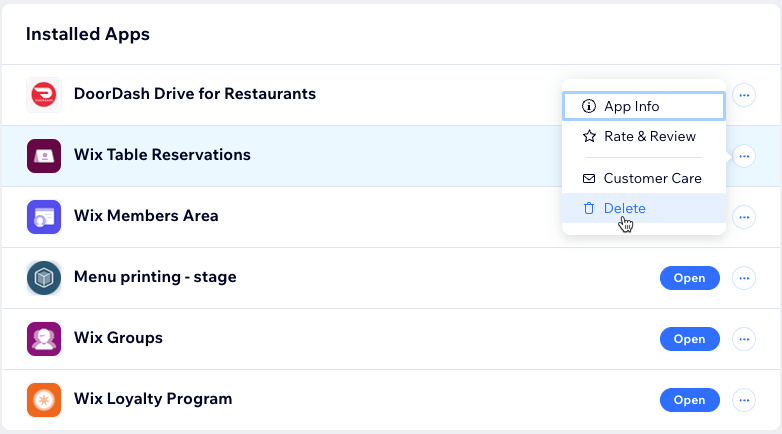
Go to Manage Apps in your site's dashboard.
Click the More Actions icon

next to the Wix Table Reservations app.
Click Delete.
Click Go to Editor.
Choose a reason for deleting the app under Why are you deleting this app?.
Click Delete App.
This article is credited to the Wix team - https://support.wix.com/ and we thank them for that!