Important:
This article is about the Wix POS Register for brick & mortar businesses.
For info on using POS on a mobile device, click here.
Payments you receive through Wix POS are handled by Wix Payments. Wix Payments is our in-house payment provider, in charge of processing funds and sending them to your bank account.
Note:
To view transactions and payouts, and make changes to your account settings, you must go to your Wix dashboard. Wix Payment information is not available in the POS tablet.
Viewing Your Transaction History
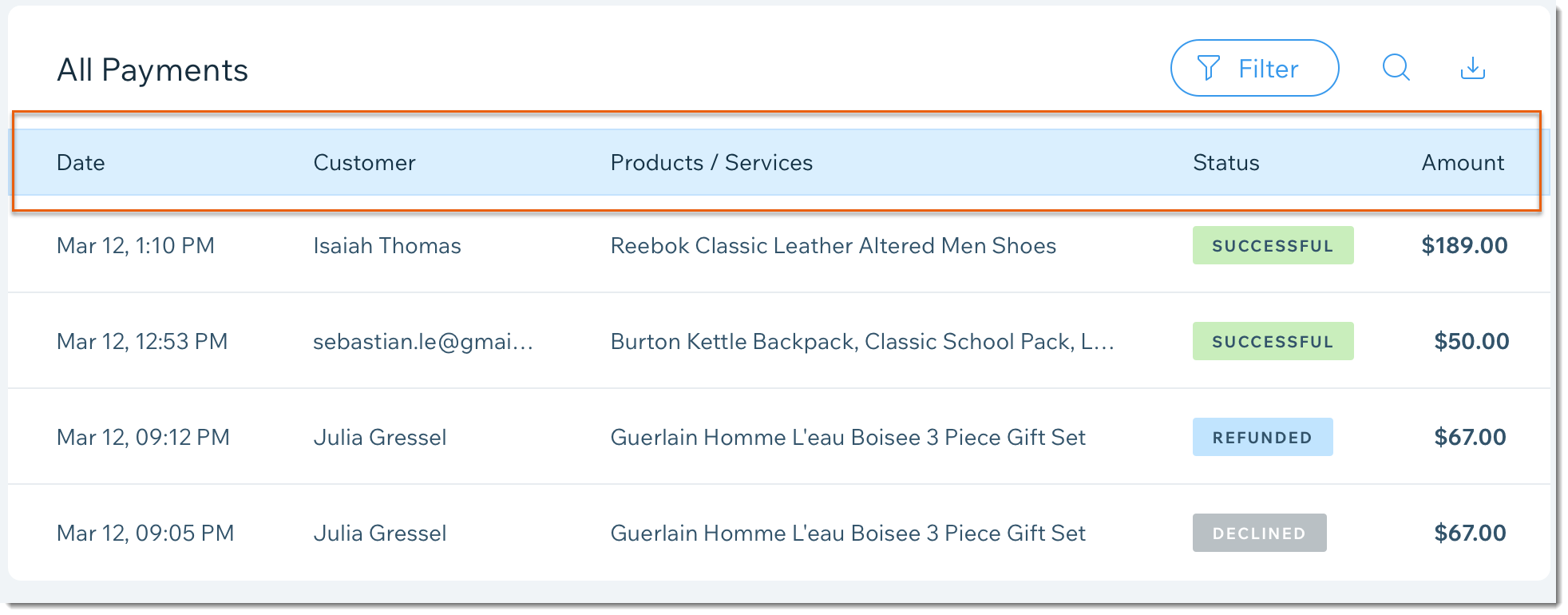
Your payment table includes detailed information about payments received through Wix POS and other channels. It updates soon after you charge your customer. You can check the status of each transaction, review the amount, date and the relevant payout ID. Learn More
If you are accessing this article on a computer, click here to go the Payments tab in your site's dashboard.
Receiving Payouts to Your Bank Account
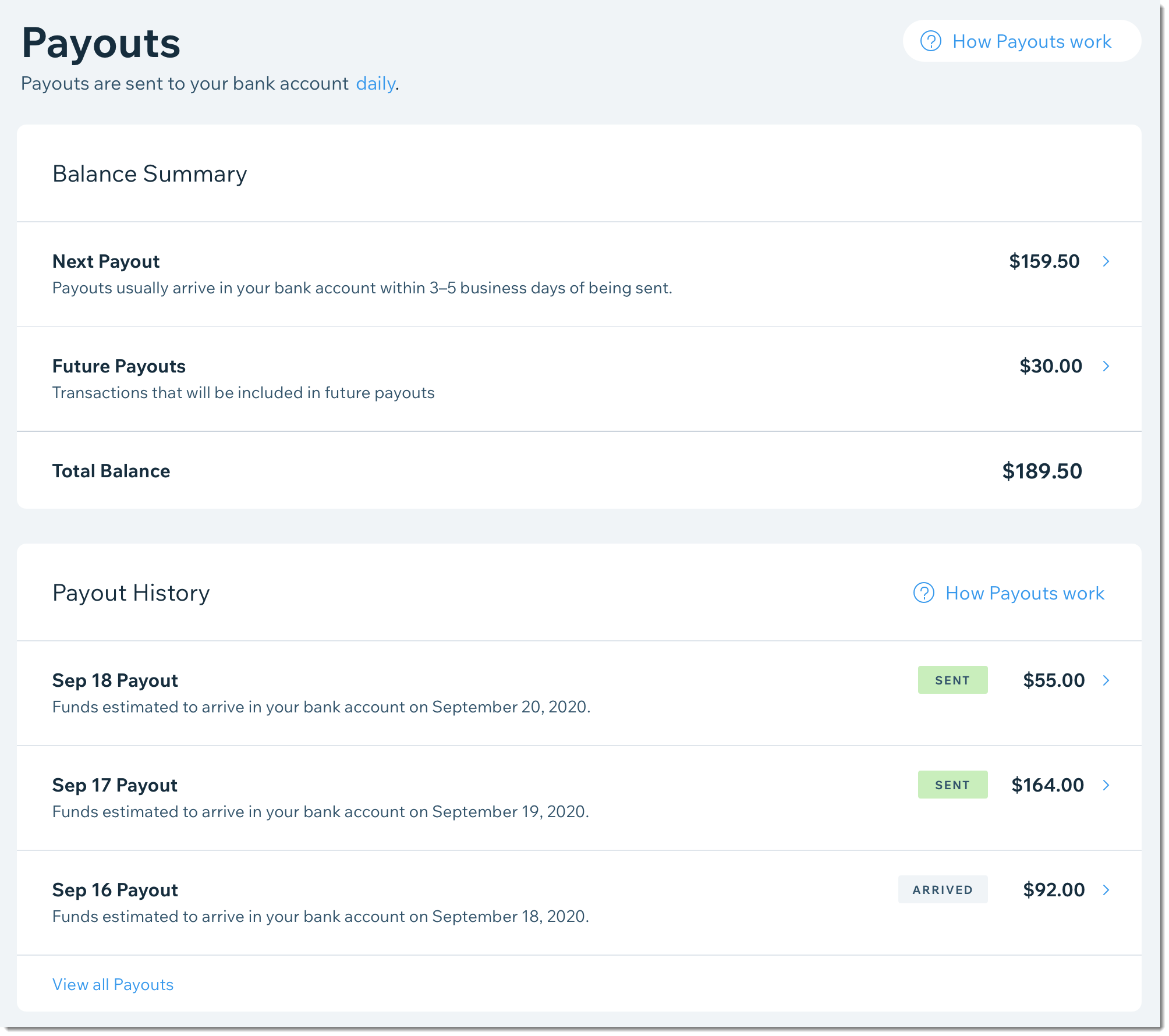
Wix Payments sends payouts directly to your bank account. You can choose how often payouts are sent (daily, weekly, or monthly) and what day of the week you want to receive them. You should expect the funds to arrive within 3-5 business days. Your Wix Payments dashboard includes a payout list where you can check when the next one is due and which payments are related to it. Learn More
If you are accessing this article on a computer, click here to go the Payments tab in your site's dashboard.
Updating Your Account Settings
You can update any of your Wix Payments account settings (personal details, business details, bank account information) at any time.
To access your account settings:
Go to your site's dashboard (not via the POS tablet).
Click Settings.
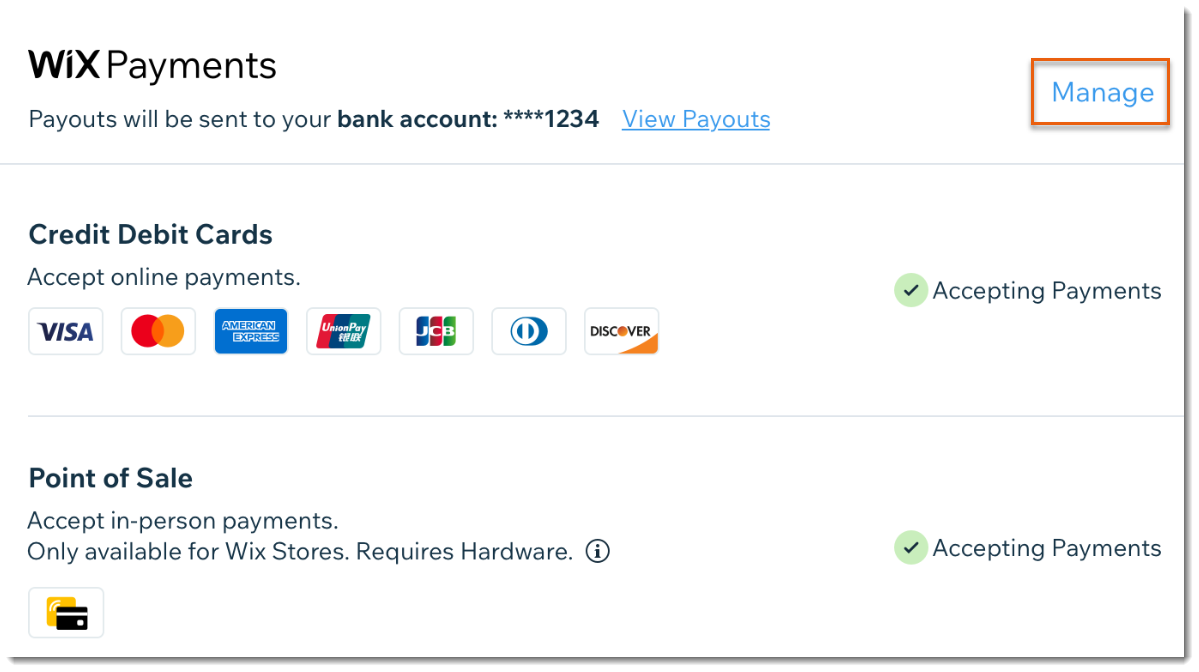
Scroll down and click Accept Payments.
Click Manage next to Wix Payments.
This article is credited to the Wix team - https://support.wix.com/ and we thank them for that!