Important:
This article is about the Wix POS Register for brick & mortar businesses.
For info on using POS on a mobile device, click here.
You can check the status of your POS hardware directly from the tablet and see if anything needs fixing. Make sure that your card reader, barcode scanner and receipt printer are all connected and good to go.
Note:
If you connect the cash drawer to the tablet through the receipt printer it won't have its own connection status. If you connect it directly to the tablet, you can check its connection status.
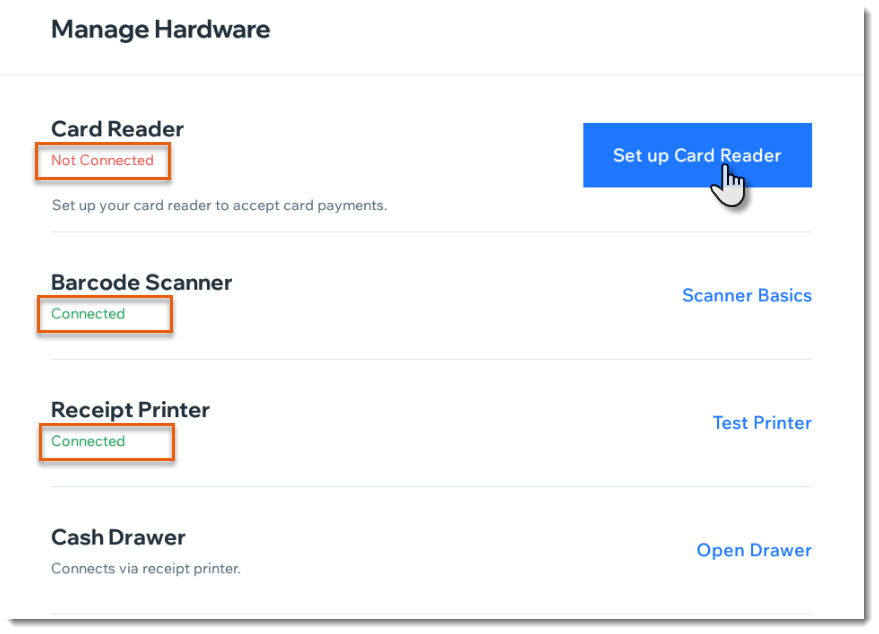
To check your hardware status:
Open the POS tablet.
Tap the Menu icon

at the bottom left.
Tap Settings.
Scroll down and tap Manage Hardware.
Check the status listed under each device.
This article is credited to the Wix team - https://support.wix.com/ and we thank them for that!