Important:
Wix Photo Albums Store is not available to all users. As of February 2023, it is no longer possible to add Wix Photo Albums Store to your site. As an alternative, you can add Wix Stores to your site and connect it to Printful to sell your photos.
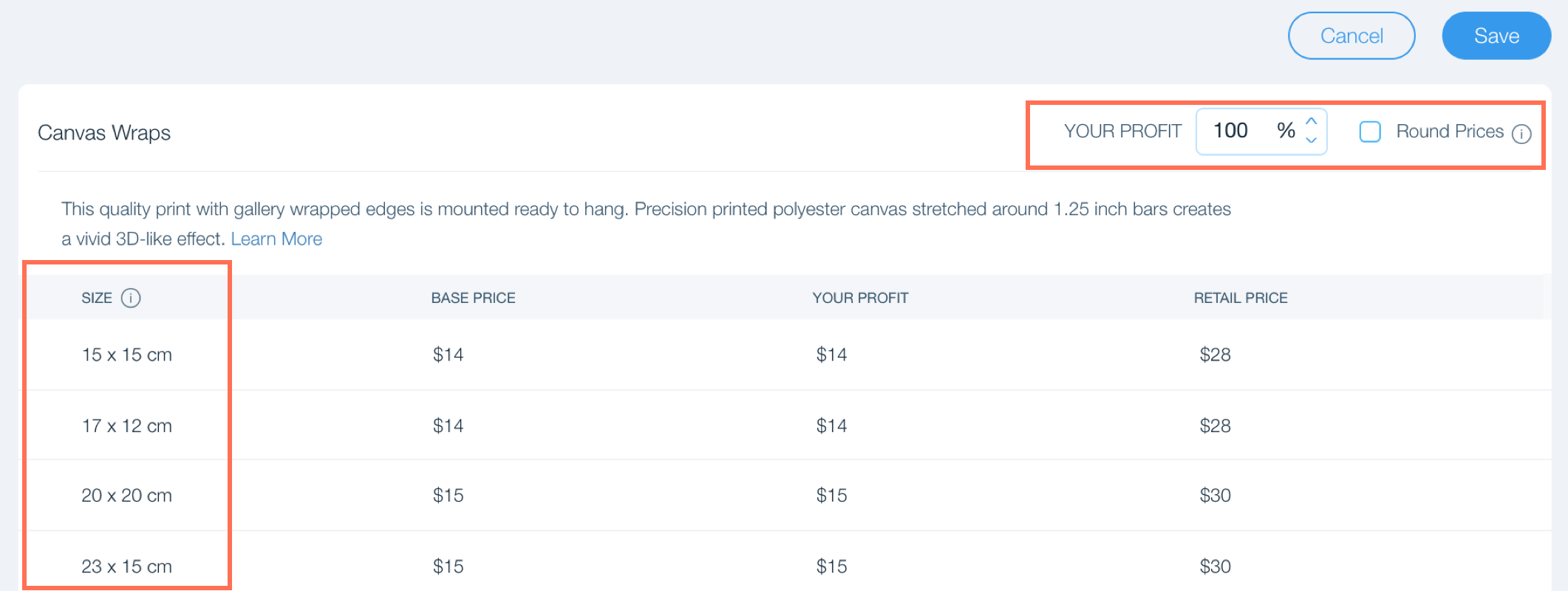
When you sell your images through the Wix Photo Album Store, you can offer various different sized prints to your customers. You can view these sizes in your Photo Album Store.
To view available print sizes:
Go to your Photo Albums in your site's dashboard.
Click the Album Store tab on the left.
Click Pricing.
Click Edit next to the relevant product.

Tip:
You can also adjust your profit margin up or down, or choose to round your pricing. Remember to click Save when you're done.
Notes:
Available prints sizes depend on the size of the original file (the bigger the original file the more sizes will be available) and on the location of your customer.
You can view and select the print sizes you want to offer during the Album Store setup process.
This article is credited to the Wix team - https://support.wix.com/ and we thank them for that!