When you publish your album for the first time, you can choose to show or hide it in the album gallery on your Wix site by selecting or deselecting the Show this album on my Wix website toggle.

Note:
You can change this setting at any time.
To show or hide a photo album on your site:
Select the Wix Photo Albums app in the Editor.
Click Settings.
Click Albums on the left of the panel.
Click View All Albums at the bottom.
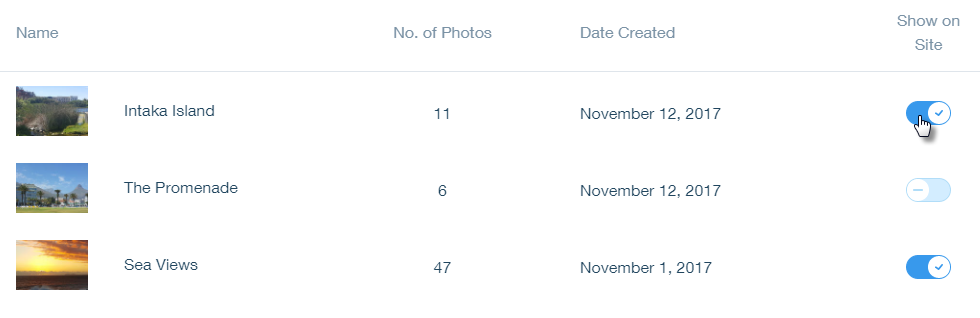
Click the Show on Site toggle

to show or hide each album.
This article is credited to the Wix team - https://support.wix.com/ and we thank them for that!