Edit your photo album to showcase your images in a way that best represents your vision. By customizing your photo album, you can create a more engaging and visually appealing experience for your visitors.
For example, if you are a wedding photographer, you can organize your portfolio to highlight different ceremonies, making it easier for potential clients to browse and find inspiration.
Editing your photo album
Add new photos or galleries, modify titles and descriptions, change gallery layouts, and customize the style and design.
To edit your photo album:
Go to Photo Albums in your site's dashboard.
Click Edit next to the relevant album.
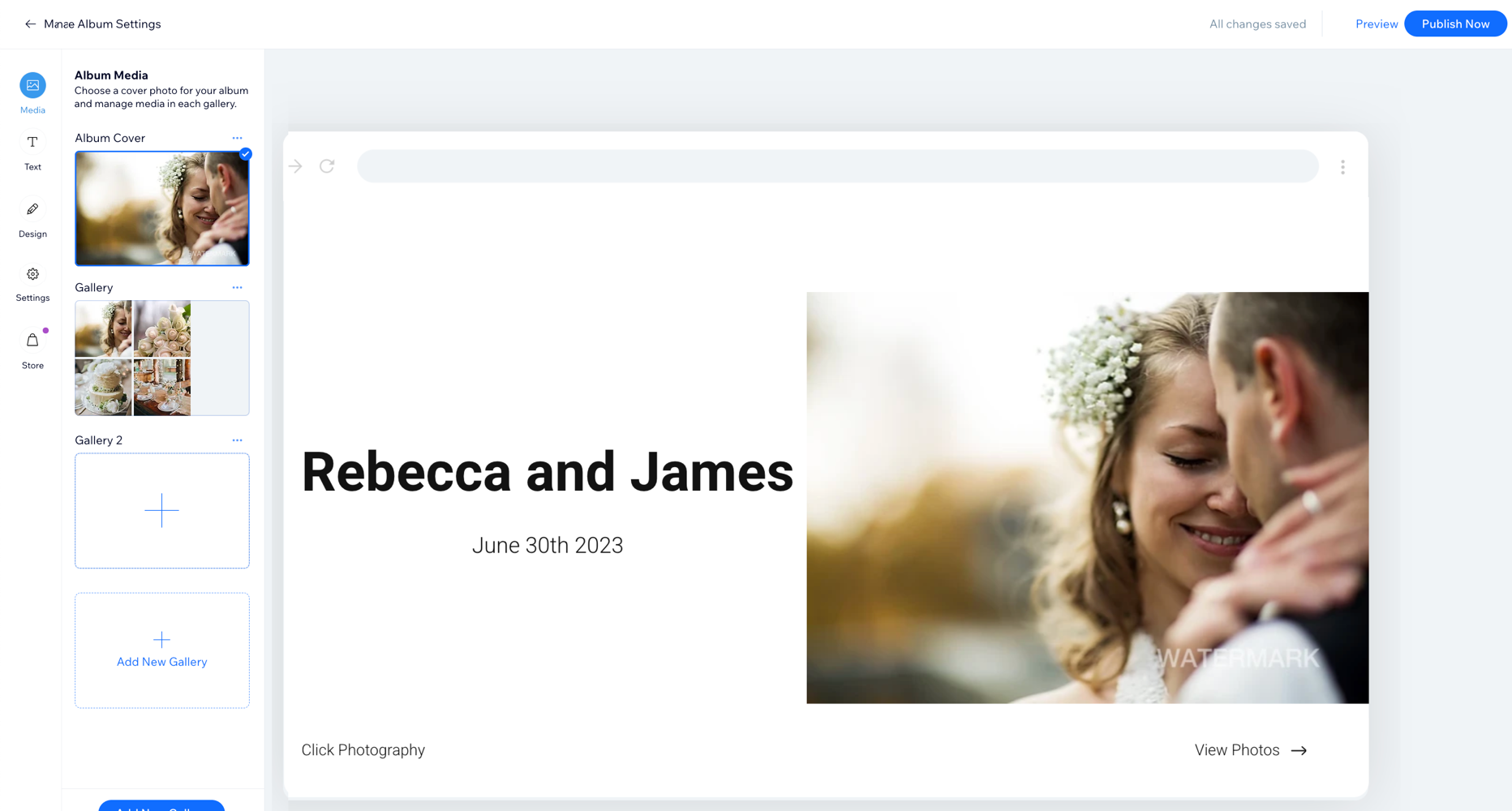
Edit your album by doing the following:
Add new photos or new galleries to your album.
Add titles and descriptions to your photos.
Change the layout of your galleries.
Customize your album's style and design.
Edit your album's cover page.
Click Publish Now at the top right.
FAQs
Click a question below to find out more about your photo album.
What file formats and sizes are supported?
Wix Photo Albums supports a variety of file formats and sizes.
Why does my album display broken thumbnails in some places?
The album thumbnails in your dashboard and live site may appear broken due to issues with the watermark file. This can happen when:
You enable the watermark toggle on your album images without uploading a file.
You upload a watermark file, but later delete it from your Media Manager.
To resolve this, upload a watermark file to your Media Manager or disable the watermark toggle for your album images.
Can I edit the images in my photo album after I upload them?
No. Make sure to edit your images before you upload them to Photo Albums. Once you've uploaded images to Photo Albums, you cannot edit them.
This article is credited to the Wix team - https://support.wix.com/ and we thank them for that!