By enabling or disabling sales notifications in your music settings, you can choose if you want to get notified whenever a fan purchases your music.
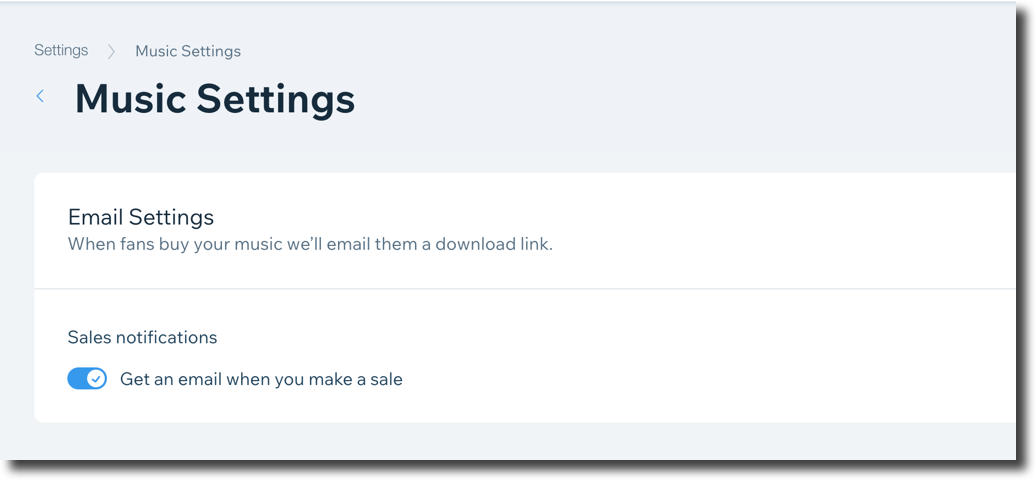
To set up sales notifications:
Go to Settings in your site's dashboard.
Click Music Settings.
Click the Sales notifications toggle to enable or disable it:
Enabled: You get an email notification when you make a sale.
Disabled: You are not notified whenever a fan purchases your music.
Note:
Notifications go to the email address that is registered to your Wix account.
This article is credited to the Wix team - https://support.wix.com/ and we thank them for that!