Add links to your albums, singles or tracks to other music platforms so that fans can listen and purchase your music elsewhere.
The links appear when your fans click the Get Album or Get Track button on your site:
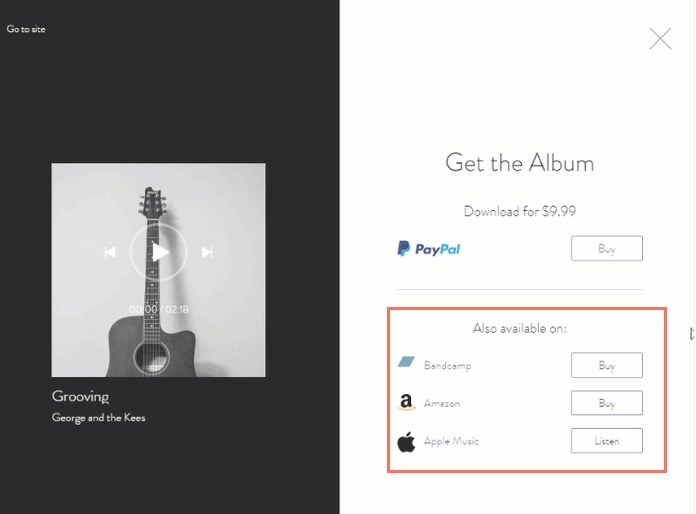
To add links to your music:
Go to Music Library in your site's dashboard.
Click the relevant album, single or playlist.
Choose what you want to add the link to:
Adding a link to an album
Click Edit next to Album Info.
Scroll down to Links to Other Music Platforms.
Enable the toggle.
Select the relevant music platform and add the link.
Click Save.
Adding a link to a single
Click Edit next to Single Info.
Scroll down to Links to Other Music Platforms.
Enable the toggle.
Select the relevant music platform and add the link.
Click Save.
Adding a link to a playlist track
Hover over the relevant track and click the Edit Track Info icon

.
Scroll down to Links to Other Music Platforms.
Enable the toggle.
Select the relevant music platform and add the link.
Click Save.
4. (Optional) Click +Add link to add more links.
This article is credited to the Wix team - https://support.wix.com/ and we thank them for that!