You can change the language used within your member apps (e.g., Spaces by Wix, Fit by Wix) so you can navigate within the apps in your preferred language. This change applies only to the apps themselves. Changing the language in the apps does not change the language of the sites you can join in the apps.
To change the language in your member apps:
Spaces by Wix
Open the Spaces app.
Tap My Profile at the bottom.
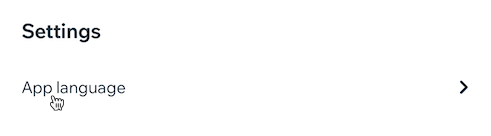
Scroll down under Settings and tap App language.
Tap the relevant language.
Tap Save at the top right.
Tap Restart for the changes to take effect.
Fit by Wix
Open the Fit by Wix app.
Tap your profile icon at the top.
Tap App Settings.
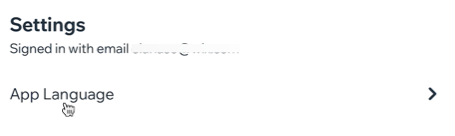
Tap App Language.
Tap the relevant language.
Tap Save at the top right.
Tap Restart for the changes to take effect.
This article is credited to the Wix team - https://support.wix.com/ and we thank them for that!