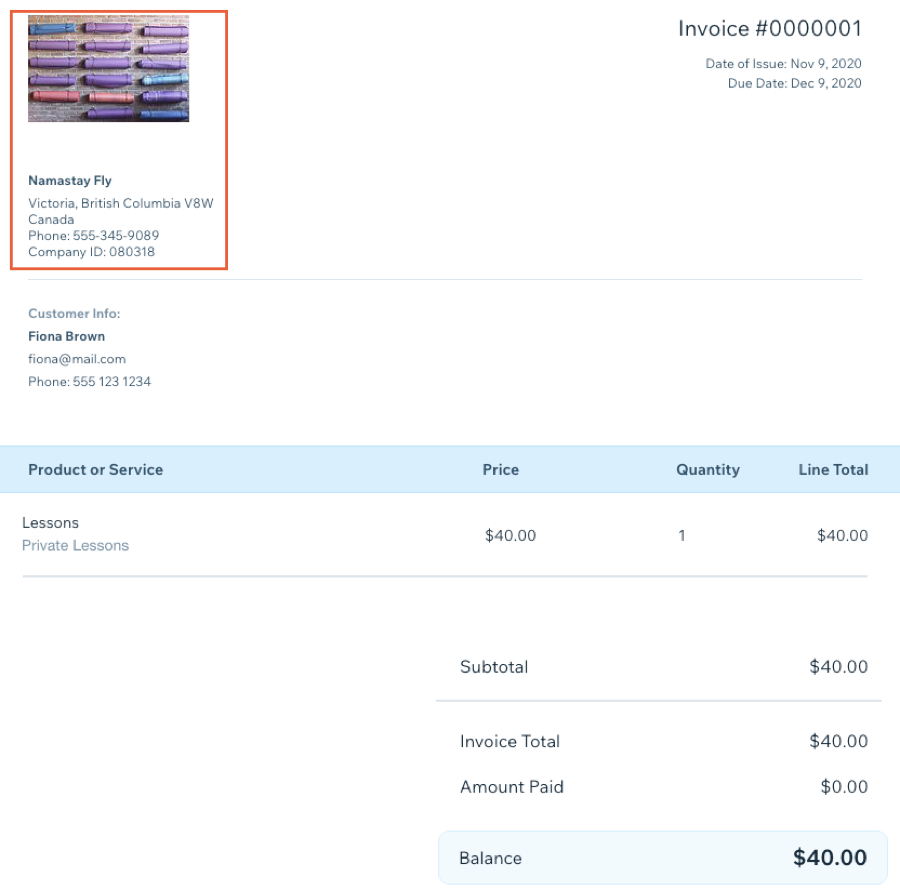
Your business name, logo, contact information and address appear at the top of your invoices and price quotes. You can add or edit this information in your site's settings on the Business Info page.
Tip:
Your business name and email address already appear if you entered them during the setup process.
To add your business info:
Go to your Business Info in your site's dashboard.
Fill in your information.
Click Save.
For detailed instructions on adding your business information, click here.
This article is credited to the Wix team - https://support.wix.com/ and we thank them for that!