Set up tax on your payment form to simplify the collection process and stay compliant with local regulations. Enhance customer trust by providing transparent pricing and reduce the risk of tax-related issues for your business.
Note:
This feature is only available using new Wix Form s.
To set up tax on your form:
Click Settings on the left.
Select Tax.
(Optional) If you haven't done so already, set up your tax rules.
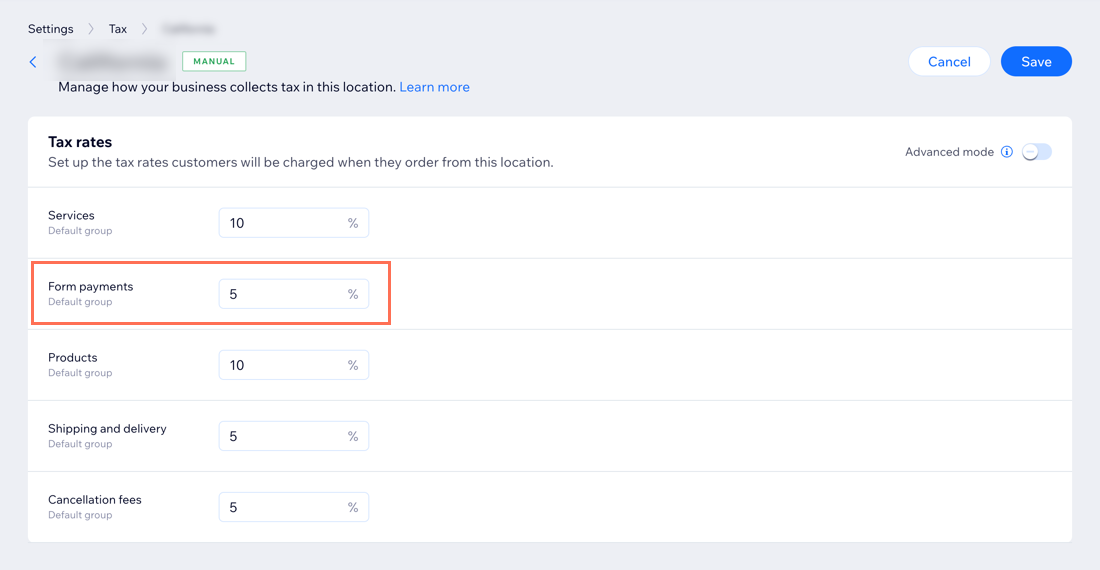
Select a location under Tax locations.
Set up the tax rate for Form payments.
Click Save.
What's next?
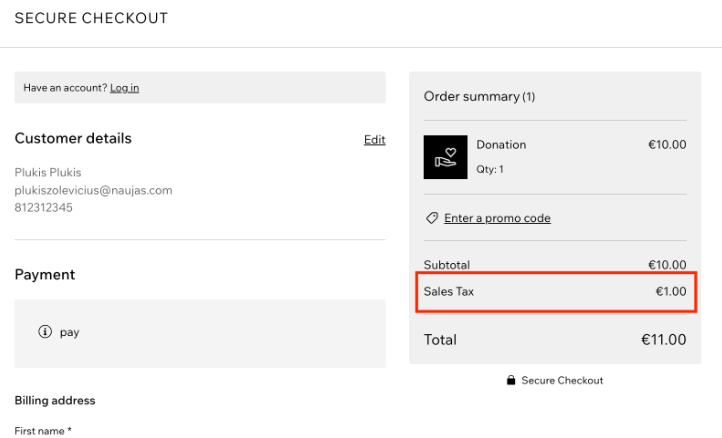
After customers select their billing country, they will see the tax applied at checkout.
This article is credited to the Wix team - https://support.wix.com/ and we thank them for that!