We're aware of the issue and are currently gathering more information regarding this matter.
Meanwhile, please use the following workaround:
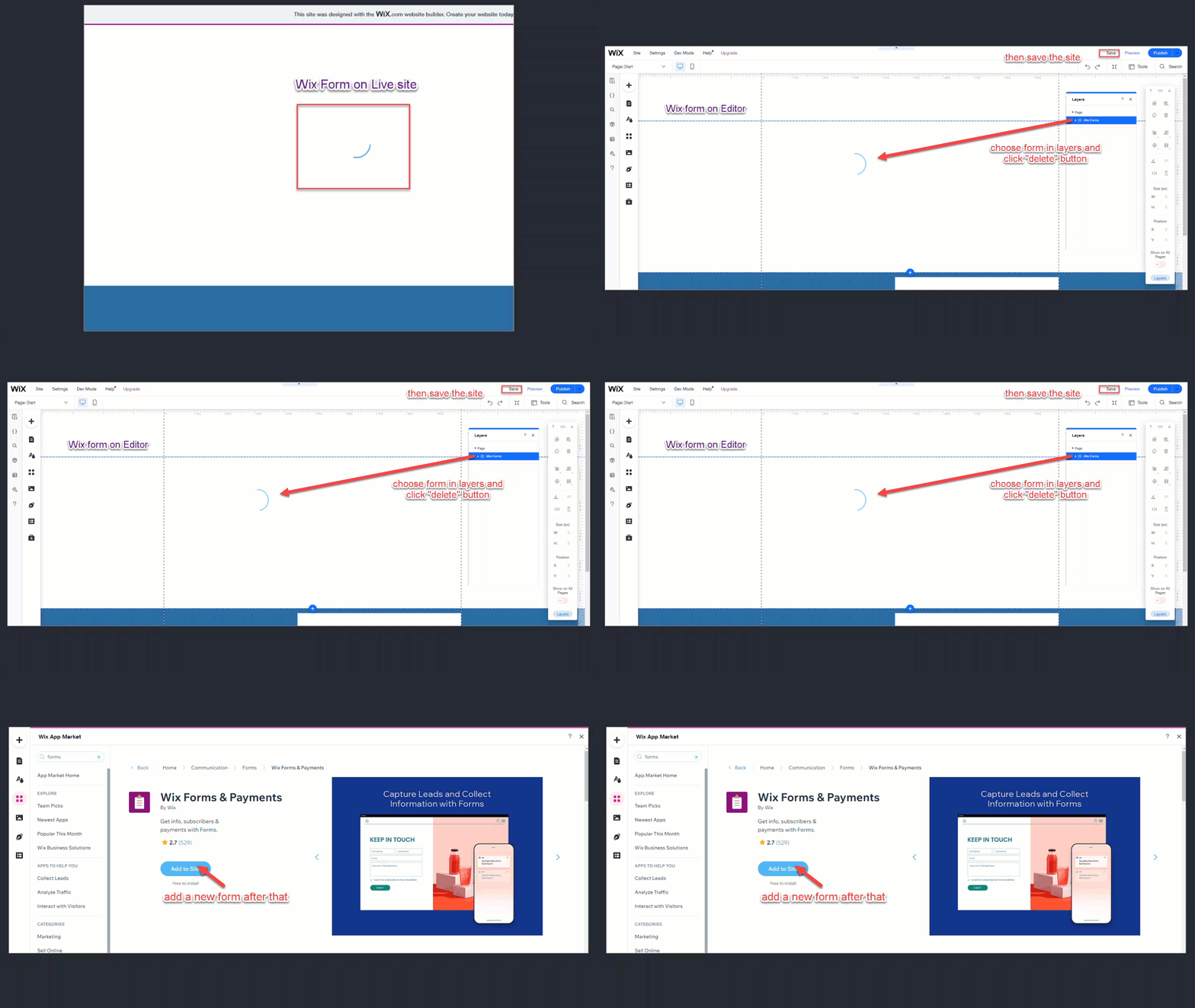
1. Open the Layers panel.
2. Locate the corrupted form.
3. Delete the form.
4. Save your site.
5. Re-add the form if needed.
Additionally, if you are using the Safari browser, please update it to the latest version by updating your macOS or you can try using another browser such as Google Chrome or FireFox.
This article is credited to the Wix team - https://support.wix.com/ and we thank them for that!