When a guest RSVPs or buys a ticket to an event, you get an email at the address associated with your Wix account. If you'd prefer to receive emails at a different address, you can change it in the site settings.
To change your business email address:
Go to Business Info in your site's dashboard.
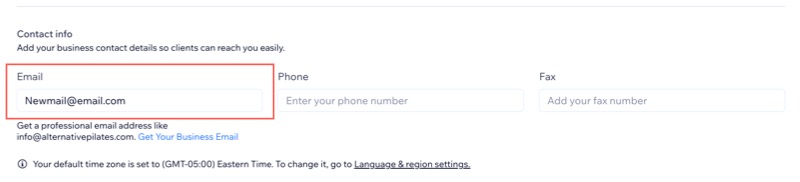
Enter a new email address in the Email field under Contact info.
Click Save.
Tip:
You can use Wix Automations to send additional notifications to you or other team members every time a guest RSVPs or buys a ticket.
This article is credited to the Wix team - https://support.wix.com/ and we thank them for that!