The Contacts list in your site's dashboard is where you view payment information for each client and each booking.
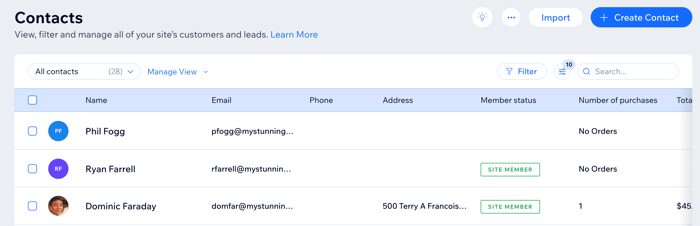
To view a client's booking history:
Go to Contacts in your site's dashboard.
Hover over the relevant client and click View.
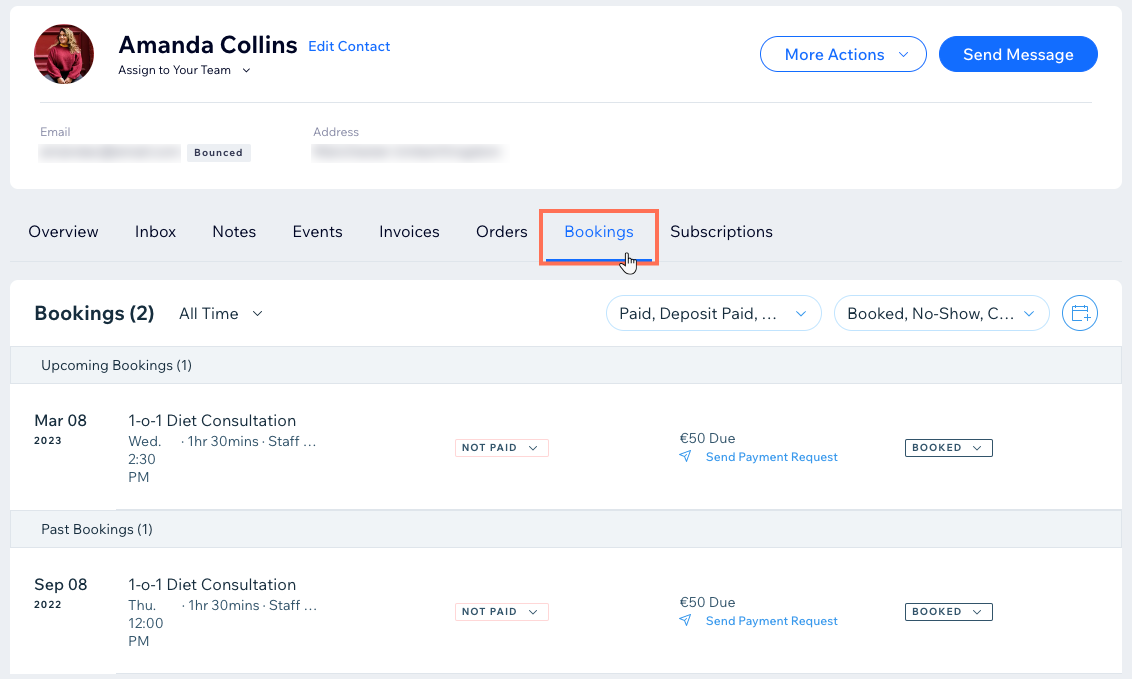
Click the Bookings tab.
Tip: From here you can update the attendance and payment status.
Tips:
Learn more about manually marking a service as paid (for example, when your client pays you in person).
You can also access a client's booking and payment history for appointments, classes and courses through the Booking Calendar.
This article is credited to the Wix team - https://support.wix.com/ and we thank them for that!