When you first add the Zoom app to your site, it becomes the default video conferencing (VC) service. Sometimes, the authorization token in Zoom expires - meaning that VC links cannot be generated for your services. You can reconnect your Zoom account with your Wix site to get your VC services up and running again.
Important
Reconnecting your Zoom account only affects the VC link for future bookings. Update the links for your existing services to make sure staff and clients are all in the right place. Learn more
To reconnect your Zoom account:
Go to the Staff tab in your dashboard.
Click Edit under Video Conferencing.
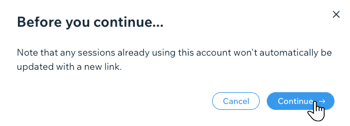
Click Continue in the pop-up window.
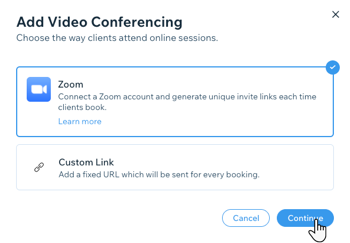
Select your preferred VC type (Zoom or a Custom Link to another service).
Confirm you are connecting the correct Zoom account.
Click Connect.
This article is credited to the Wix team - https://support.wix.com/ and we thank them for that!