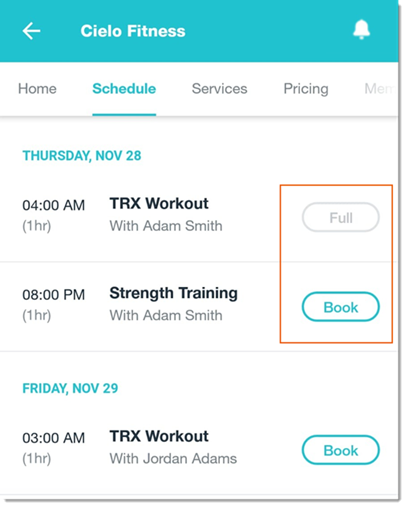
You can choose to hide the number of registered participants for a class or service in the Wix member apps. When hidden, members only see if the class or service is full or available to be booked.
Tip:
You (the site owner) can still see the number of participants registered for a session.
To hide the number of participants registered for a session:
Go to your site in the Wix app.
Tap Manage

at the bottom.
Scroll down to Settings and tap Bookings Settings.
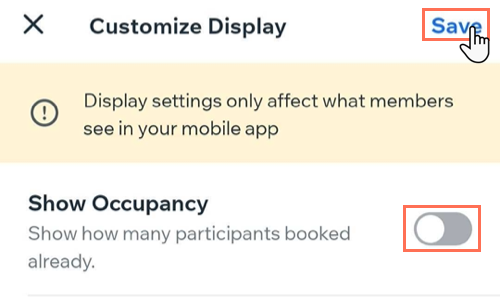
Tap Customize Display.
Tap to disable the Show Occupancy toggle.
Tap Save.
This article is credited to the Wix team - https://support.wix.com/ and we thank them for that!