Need to meet clients online? With Wix Bookings, you can host sessions using Google Meet, Zoom, or a custom video link when in-person meetings aren’t possible. Online sessions are ideal for appointments, classes, and courses, including coaching, tutoring, and fitness training.
Before you begin:
Make sure one or more payment methods are set up in the Accept Payments tab of your site's dashboard.
You need to upgrade your site to a plan that supports booking platform features in order to use video conferencing with Wix Bookings.
Connecting a video conferencing account
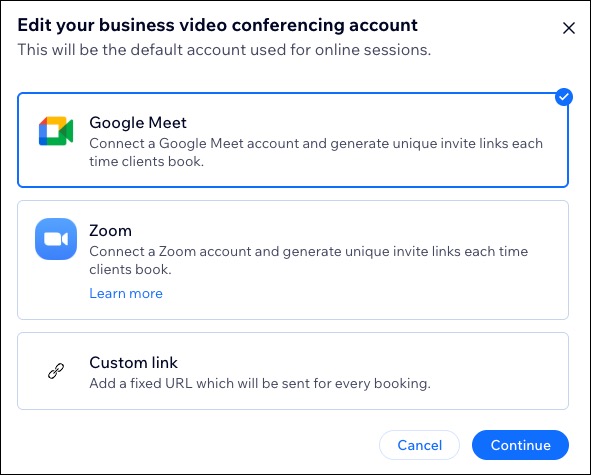
Choose how you want to host your online sessions by selecting your preferred video conferencing option - Google Meet, Zoom, or with a custom link.
To connect a video conference account:
Go to Booking Settings in your site's dashboard.
Click Video conferencing account under Integrations.
Choose what you want to connect: Google Meet, Zoom, Custom link.
Click Continue.
Depending on the video conferencing option you choose, follow these steps:
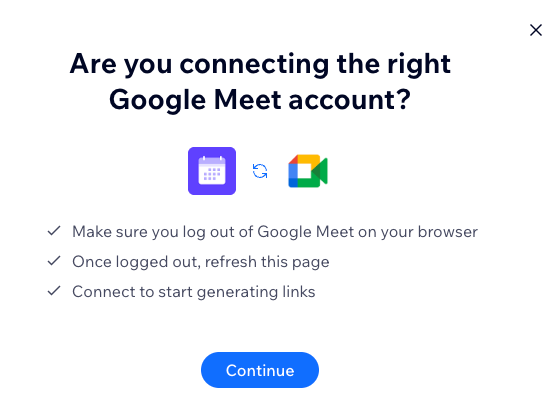
Google Meet
Click Continue.
Sign in to your Google Meet account or create a new one.
Complete the rest of your meeting setup and click Allow.
Once connected, click Got it.
Zoom
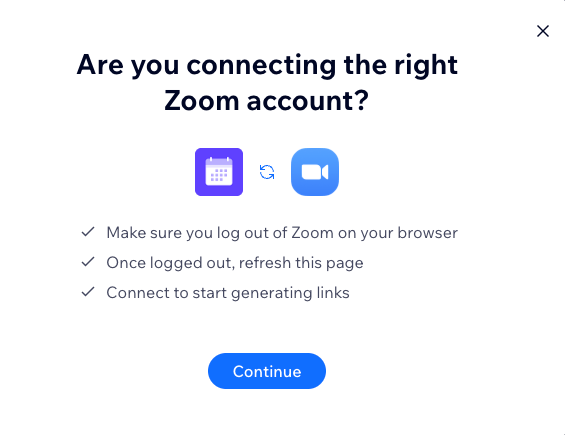
Click Continue.
Sign in to your Zoom account or create a Zoom account.
Complete the rest of your meeting setup and click Save.
Custom link
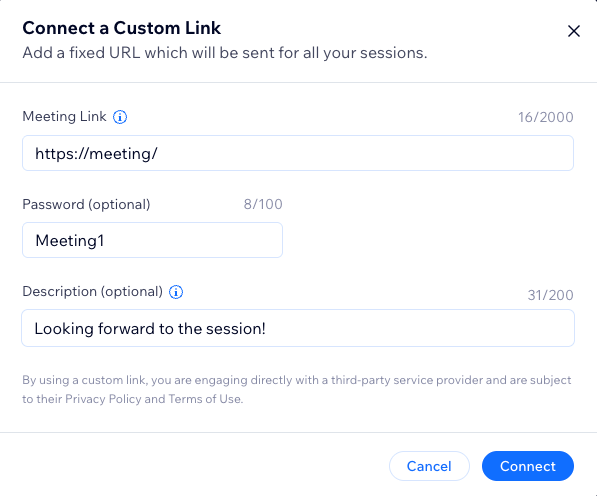
Add the relevant details:
Meeting link.
Note: The meeting link must be a fixed URL that can be sent for all your meetings.
(Optional) Password.
(Optional) Description.
Click Connect.
FAQs
Click a question to learn more about video conferencing for Wix Bookings.
What is the difference between Wix Bookings and Wix Meetings?
Wix Bookings is a full business management solution for service-oriented businesses. It requires a published site and supports managing staff, recurring services, group sessions, and complex scheduling needs.
Wix Meetings is a fast, standalone scheduling tool for any business type, no published site required. It’s great for sharing links and scheduling single meetings quickly. Read more about Wix Meetings. Both apps support Google Meet, Zoom, and a custom link.
I don't see the Zoom link in my calendar, what do I do?
The Zoom link appears in your Bookings Calendar only after a booking is made. Courses and class sessions that have no bookings do not display a link.
Make sure you are the one providing the service. If it's a staff member, they can get the link through the calendar if synced, or through the Wix app.
How do I remove the Wix app from my Zoom account?
To remove the Wix app from your Zoom account, you’ll need to uninstall the app directly from Zoom.
This article is credited to the Wix team - https://support.wix.com/ and we thank them for that!