The My Wallet feature allows clients to securely save credit card information so they can complete future transactions without re-entering their details.
How does it work?
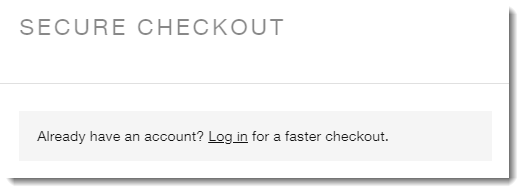
When a logged-in client goes to pay for a service, they see their personal details (name, email address, etc.) already filled in. If a client is not logged in, they are prompted to log in or to create an account and then log in.
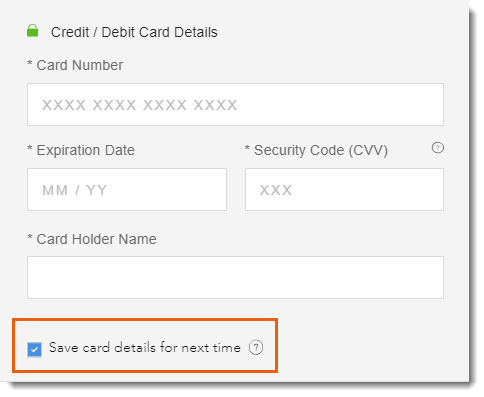
Next, when the client enters their credit card details for the first time, they can choose whether they want to save those details.
What happens when a client with a saved card books?
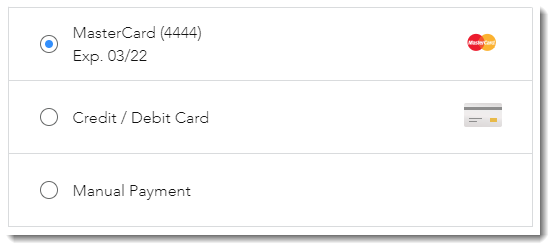
When a client who saved a card returns, they can select their saved card as a payment option or choose Credit / Debit Card to enter a new card.
Where can clients view and make changes to saved cards?
The My Wallet page is the place to manage saved credit cards.
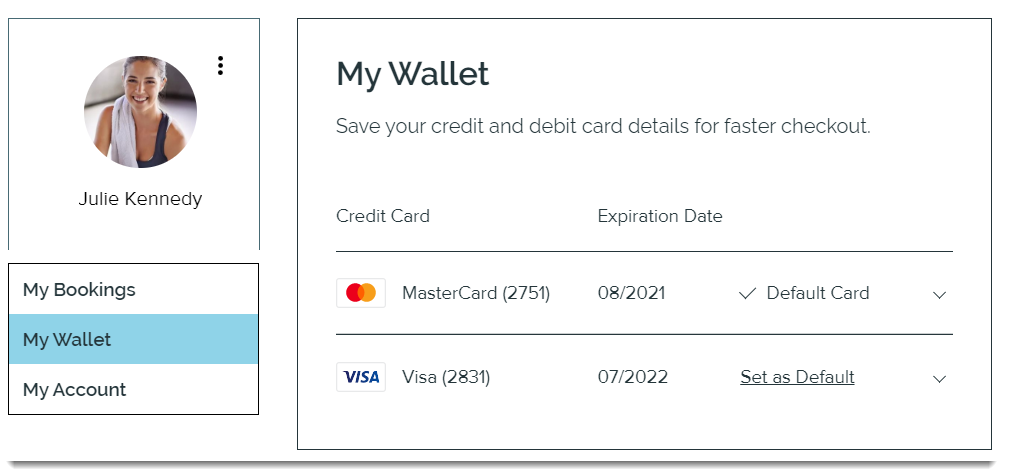
In the My Wallet page, clients can:
View saved credit cards
Remove saved credit cards
Set a card as default
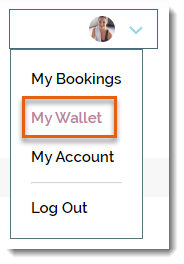
Clients can access their My Wallet page by logging in and selecting it from their personal drop-down menu.
Important:
The My Wallet page is private. Each client sees only their own information.
Saving Credit Card details is not supported by Square, 2CheckOut, Payu, and CitrusPay. Click here to vote for this feature.
How can I add the "My Wallet" page to my site?
The My Wallet page is a part of your site's Members Area. If you do not already have a Members Area, you can easily add one.
This article is credited to the Wix team - https://support.wix.com/ and we thank them for that!