Maximize your blog's potential and provide a seamless browsing experience for your visitors with Wix Blog's selection of complimentary add-ons.
Keep your readers updated by adding an RSS Feed button, which allows them to subscribe to your blog updates.
Streamline your content with a Category Menu, which categorizes your posts, and an Archive Menu, which displays older content in a convenient location.
Enhance your blog's presence with a Post List element, which displays snippets of your posts in other areas of your site, and a Tag Cloud element, which organizes all your tags in one place.
To access the blog add-ons:
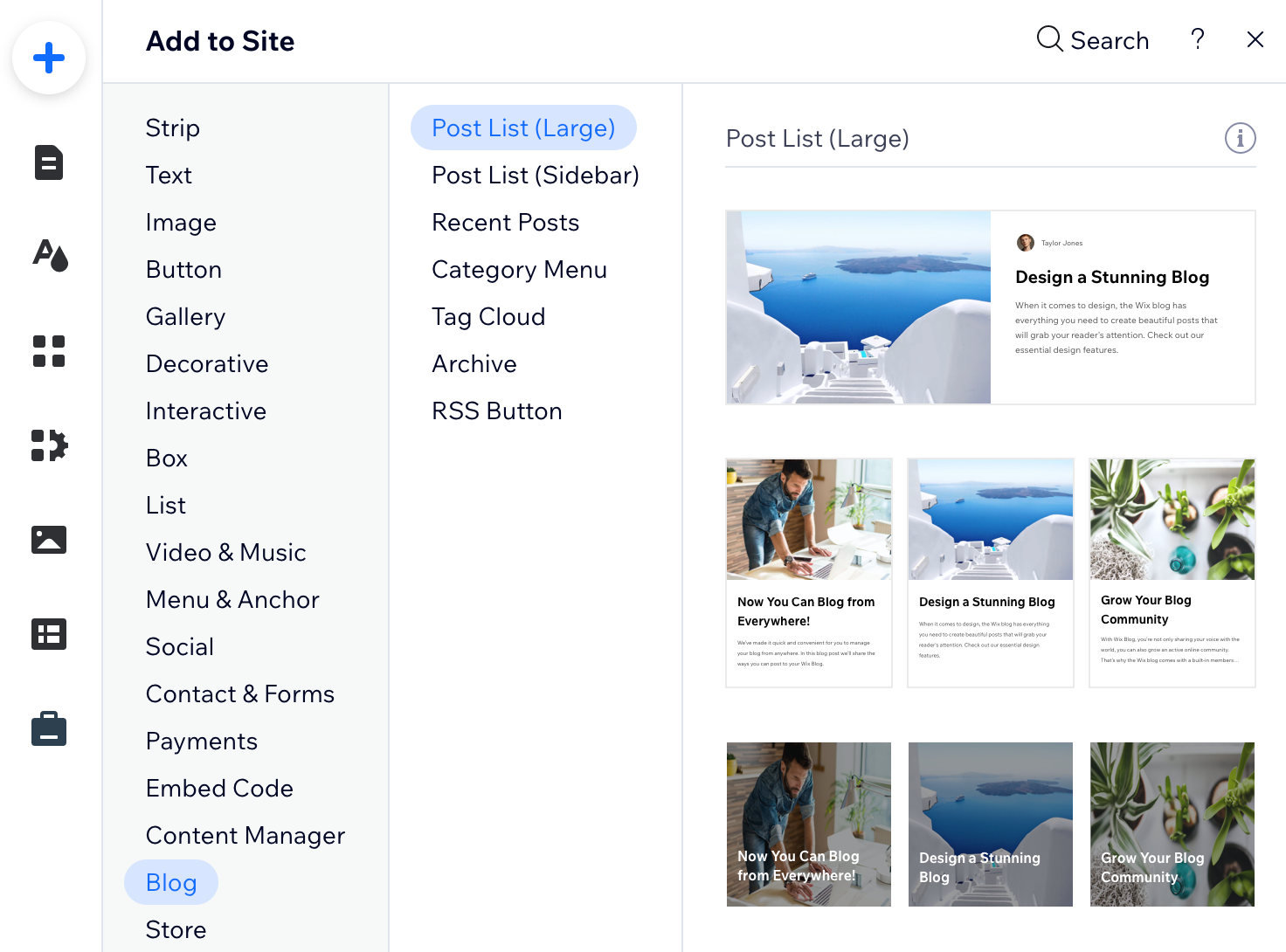
Wix Editor
Select the page you want the add-on to appear.
Click the Add icon

on the left of your editor.
Click Blog.
Scroll down and choose an element to add.
Drag the element to position it on the page.
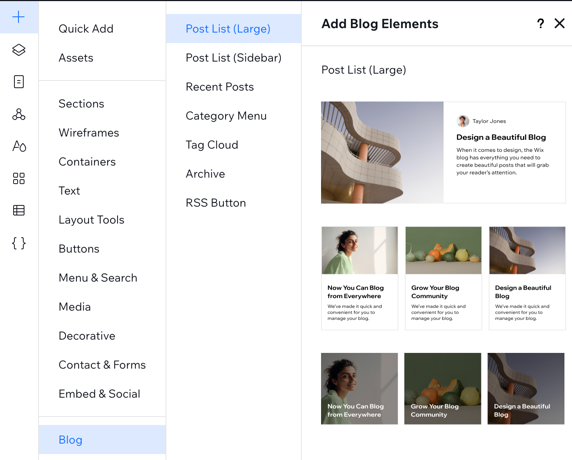
Wix Studio
Select the page you want the add-on to appear.
Click the Add Elements icon

on the top left of your editor.
Click Blog.
Choose an element to add.
Drag the element to position it on the page.
This article is credited to the Wix team - https://support.wix.com/ and we thank them for that!