Use the power of AI to make your layouts responsive in just one click. After you design a section on desktop, the responsive AI tool makes it look great on all breakpoints, allowing faster and more efficient site creation.
Go to our Wix Studio Academy to check out additional Wix Studio webinars, tutorials, and courses.
Generating a responsive section with AI
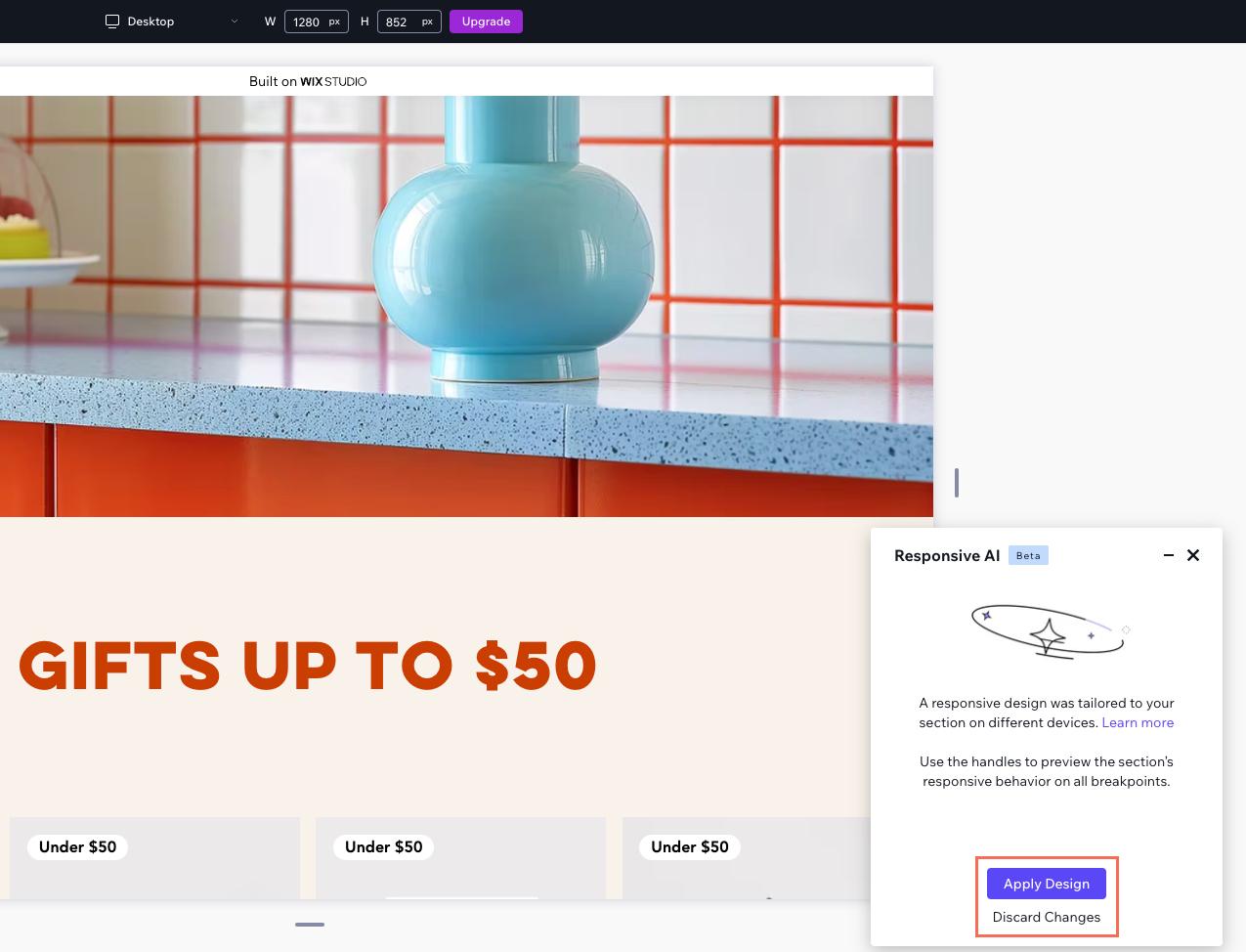
When you run the responsive AI tool, it generates a layout suggestion for your section within seconds. You don't have to apply the suggestion if you don't like what you see in the preview. You can simply discard the changes and continue working on your original layout.
To generate a responsive section:
Click the Desktop breakpoint

at the top of the editor.
Select the relevant section.
Click the Responsive AI icon

.
Click Generate Now.
(In the preview) Click through the breakpoints to see how the section looks.
Choose what to do next:
Apply Design: Instantly apply the AI suggestions to the section.
Discard Changes: Ignore the AI suggestions and go back to your original design.
FAQs
Click a question below to learn more about the responsive AI tool.
How does the responsive AI tool work?
The responsive AI tool automatically identifies groups of related elements in your layout.
Then, it applies the best layout tool for each group (e.g. grid, stack), and adjusts element definitions (e.g. size, responsive behavior) to ensure they look great on all breakpoints.
How many times can I run the AI on the same section?
You can run the AI again and again on the same section. This is particularly useful when making big changes, as the AI may suggest a different responsive layout.
If you don't change much in the section, the responsive AI tool will produce the same results.
This article is credited to the Wix team - https://support.wix.com/ and we thank them for that!