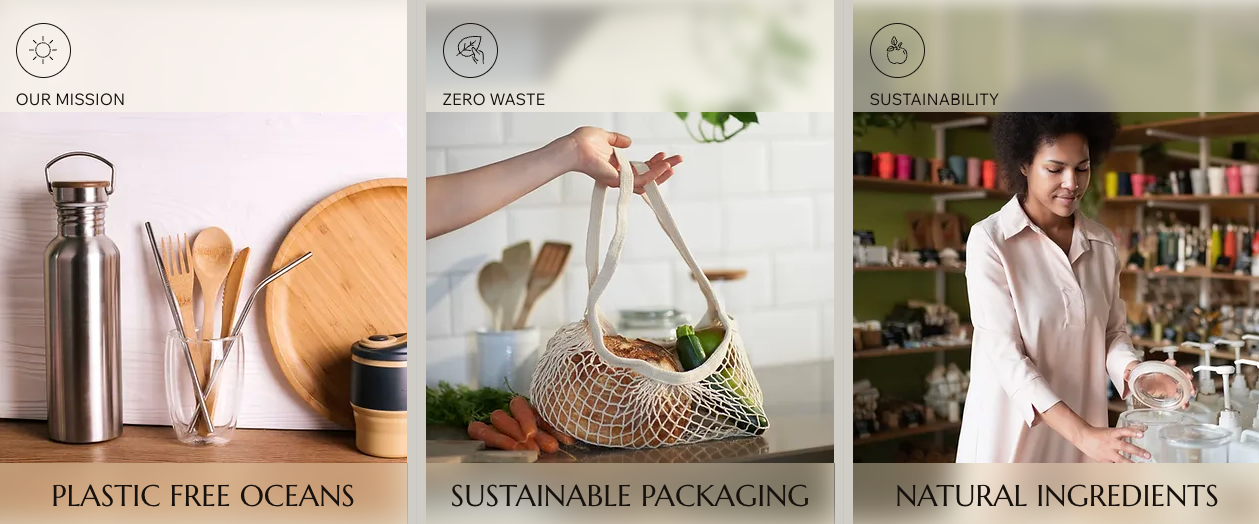
Apply a frosted glass effect to the background of your container, cell, or repeater item. This blurring effect adds a sleek touch to your design, perfect for highlighting important content. You can control the blur intensity to achieve the exact look you want.
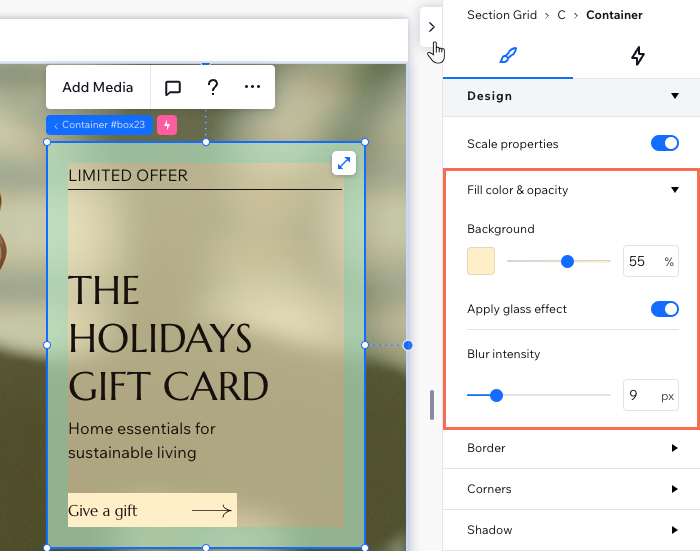
To apply a glass effect:
Select the relevant container, cell, or repeater item.
Click the Open Inspector icon

at the top right of the editor.

(Optional) Choose a Background color and use the slider to adjust its opacity.
Enable the Apply glass effect toggle.
Use the slider under Blur intensity to increase or decrease the blur.
This article is credited to the Wix team - https://support.wix.com/ and we thank them for that!