Images and videos are key elements for engaging site visitors, making your content visually appealing and memorable. However, optimizing your media is crucial to ensure faster loading times and a smooth user experience. Follow these tips and guidelines to enhance your site’s performance while maintaining the quality of your visuals.
Optimizing images on your site
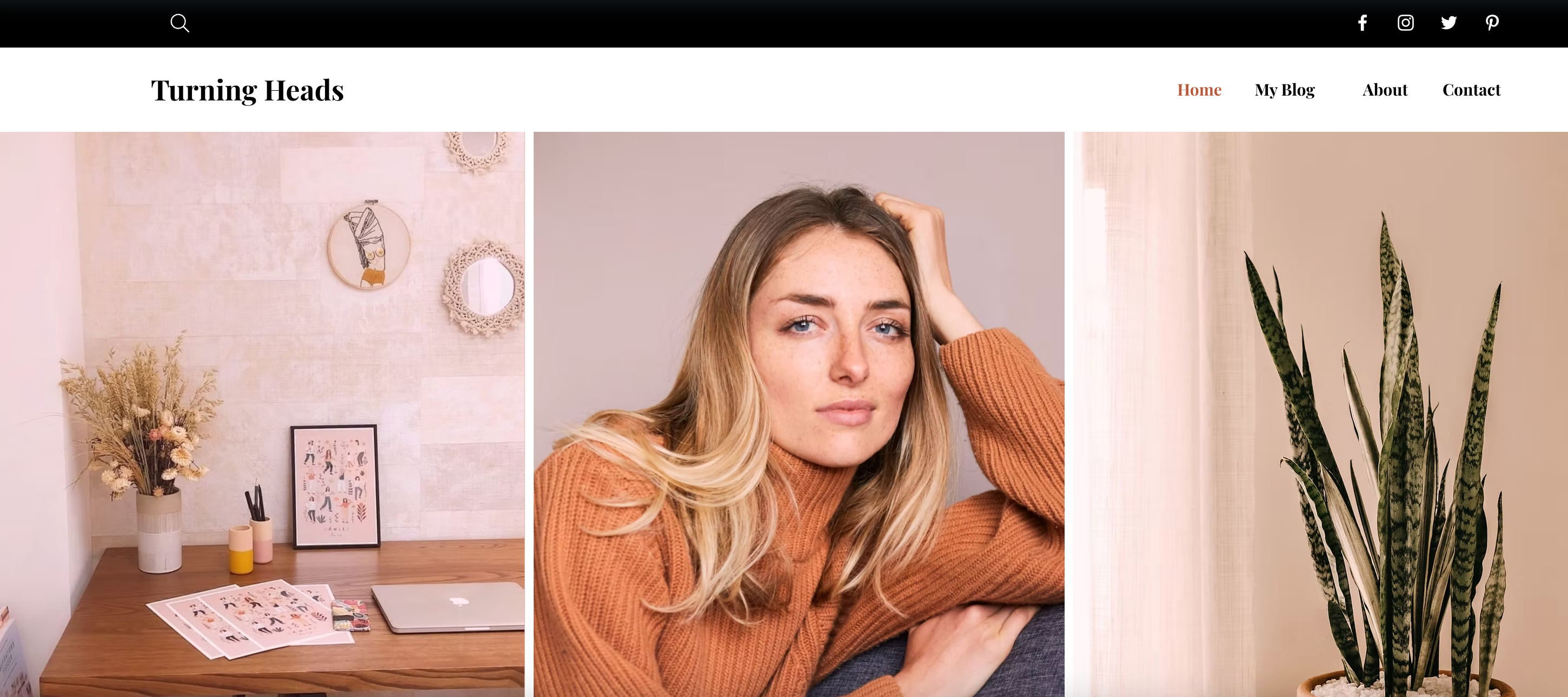
Images are an excellent way to showcase your content, such as photography, products, or blog visuals. By optimizing images, you can improve loading speed and overall performance.
Select an option to learn more about our guidelines for optimizing images.
Choose the right format
Wix allows you to upload a wide range of media file types directly to your site, like images, video, audio, icons, vector art (SVG) and more. When you upload an image to your site, it is automatically converted to AVIF format, as it's better optimized for site performance.
Images: AVIF is a new type of image file that's better than JPEG and is approximately 50% smaller than WebP. This makes AVIF images load faster on your live site. AVIF can also handle a wide range of colors, making images look even more realistic. Wix automatically compresses your images using AVIF on your live site.
SVG images: SVG graphics (also known as vector art) use mathematical equations for drawing graphics, as opposed to pixel grids used in other raster image formats. This makes them lighter, which means they generally load at a higher speed. It also means that the image's quality and sharpness is not affected by resizing. We recommend using vector art for decorative shapes and business logos.
GIFs: While GIFs are a popular format for showcasing animated content, modern video encoding formats have both a smaller size and better quality. We therefore recommend using video files for animated or moving content instead of GIFs.
Upload the best image quality
Use high-resolution images (minimum 2560x1440 pixels) for quality and clarity.
Compress files larger than 25MB before uploading using external tools.
Replace background images with static elements like shapes or colored sections to reduce load times.
Use the Wix image resizer to adjust images to recommended sizes before uploading.
Organizing galleries on a site
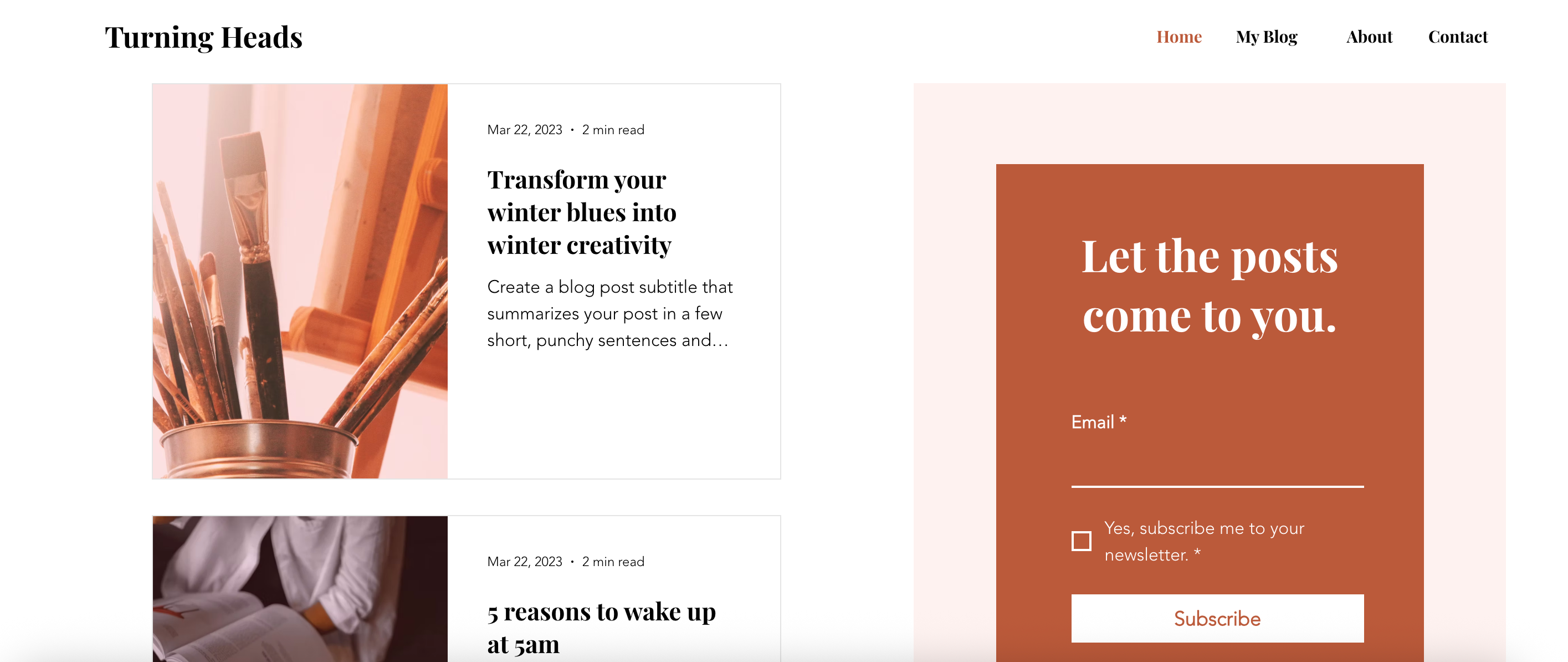
Wix offers various gallery options to showcase multiple media files. Proper organization and placement of galleries can significantly impact your site’s speed and effectiveness. Opt for a single gallery with multiple media items rather than using multiple galleries on one page to avoid overloading.
Allow your gallery to load incrementally with a "Load More" button, which improves interaction while managing performance. Place galleries below the fold (content visitors see after scrolling). This lets text and CTAs above the fold load quickly, keeping visitors engaged while your gallery content is still loading.
Optimizing videos on a site
Videos are great for delivering valuable content, such as tutorials, promotional materials, or product features. Optimizing video playback is essential to prevent performance issues.
Host videos with Wix Video for built-in optimization and playback performance. Embedded videos (YouTube, Vimeo, etc.) are delivered via iFrames and cannot be optimized by Wix. Limit their use and place them below the fold.
Avoid using videos as backgrounds, as they can slow the initial page load. Switch to static placeholders like images or text instead.
Limit the number of videos displayed on a single page. For multiple videos, create a dedicated page and link to it using buttons like "See More Videos" to keep your homepage lightweight.
Common issues and solutions
Blurry images
If images appear blurry:
Ensure they are high resolution (2560x1440 pixels or higher).
Use appropriate formats (AVIF, WebP, or JPEG).
Refrain from uploading screenshots, as they often have lower resolution.
Check the Image Sharpening feature in the Wix Editor to enhance clarity.
Slow homepage loading
Common causes of slow homepage loading include excessive images or videos above the fold and overloaded widgets. To resolve:
Simplify design by reducing elements on the homepage.
Add text or static images above the fold.
Use lazy loading for galleries.
Videos loading slowly
To enhance video load times:
Compress videos before uploading.
Use Wix Video for optimized hosting.
Replace videos above the fold with static elements or lightweight placeholder content.
Tips:
Test your site speed: Use Wix Site Speed dashboard to identify performance issues and improve overall speed.
Plan for navigation efficiency: Keep critical elements above the fold lightweight for fast loading.
Use galleries wisely: Limit each page to one gallery, and enable loading buttons for extensive media files.
Monitor mobile optimization: Regularly adjust your site’s mobile design using the dedicated Wix Mobile Editor for smaller screens.
This article is credited to the Wix team - https://support.wix.com/ and we thank them for that!