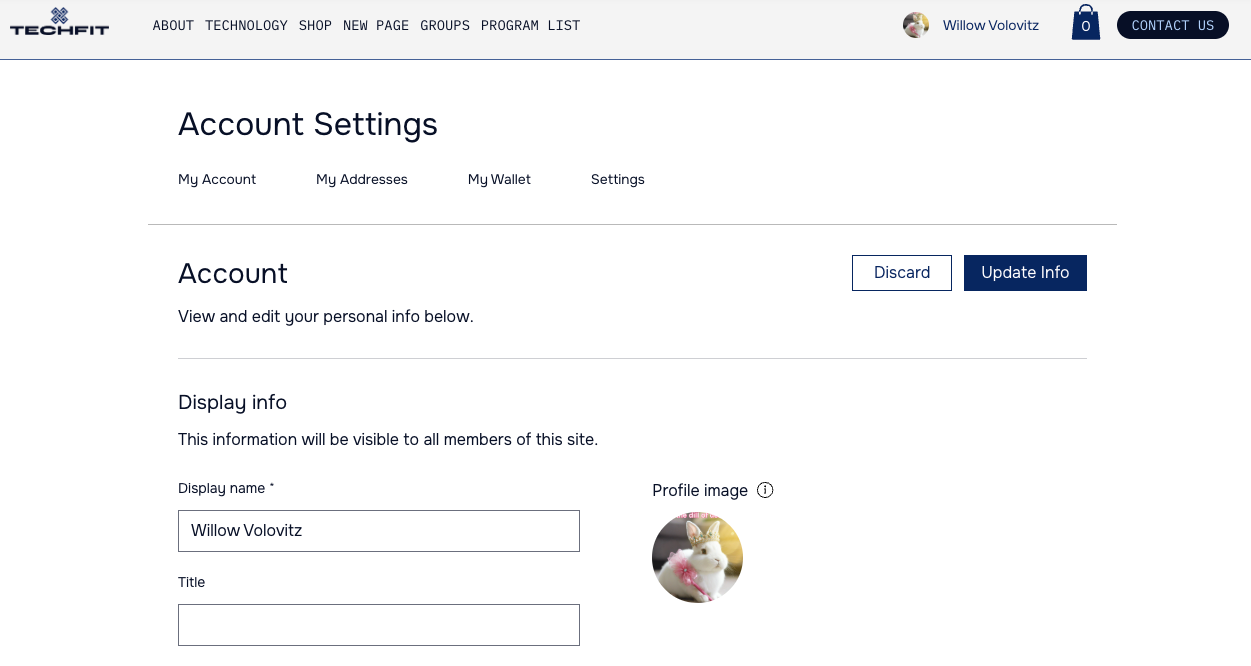
When using the Members Area with other social Wix apps (e.g. Blog, Groups), you unlock a community where members share info, create a profile, chat to others and more. Members can choose whether they want to be involved in your community or keep their activity private.
Create a community around your site
When you add a social Wix app (e.g. Blog, Groups), some features are automatically added to your Members Area so people can get to know each other. Each member gets a profile page to introduce themselves, as well as the option to follow other members' activity.
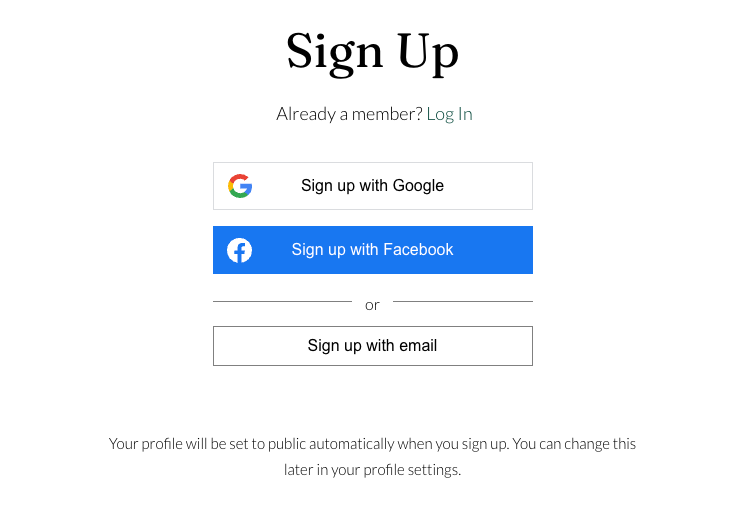
Other Wix apps add their own pages too, such as My Orders or My Bookings. When signing up, members get a public profile to benefit from the social aspect of your site.
Allow members to introduce themselves
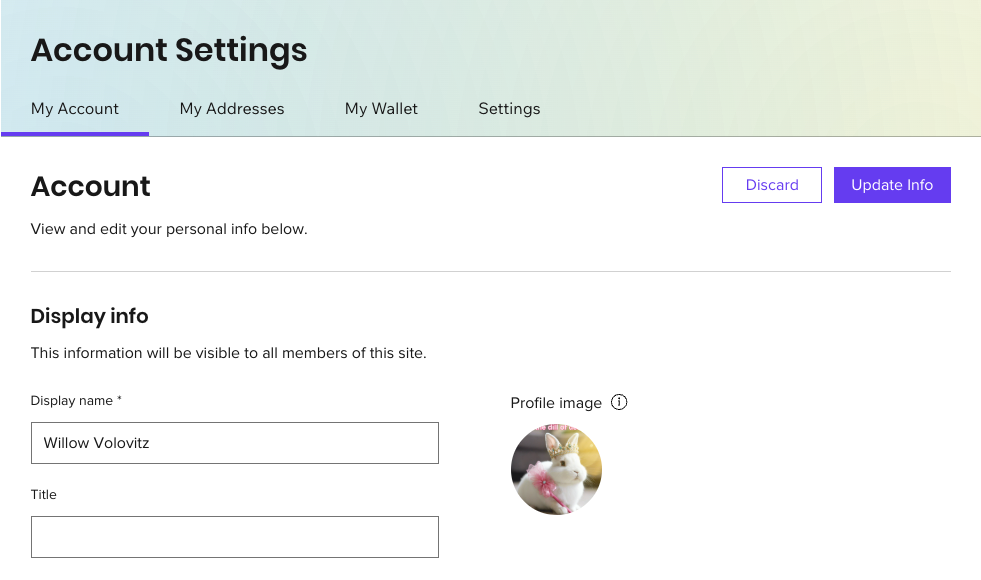
Give your site members their own personal profile, where they can express who they are to your online community. Members can customize their profile to show a description they wrote about themselves, images, videos and more.
You can manage the information displayed on your members' profiles from your site's dashboard, including the fields that are displayed on the Profile page. If the Profile page isn't already part of your Members Area, you can add it directly from the Pages panel in your Editor.
Create discussions
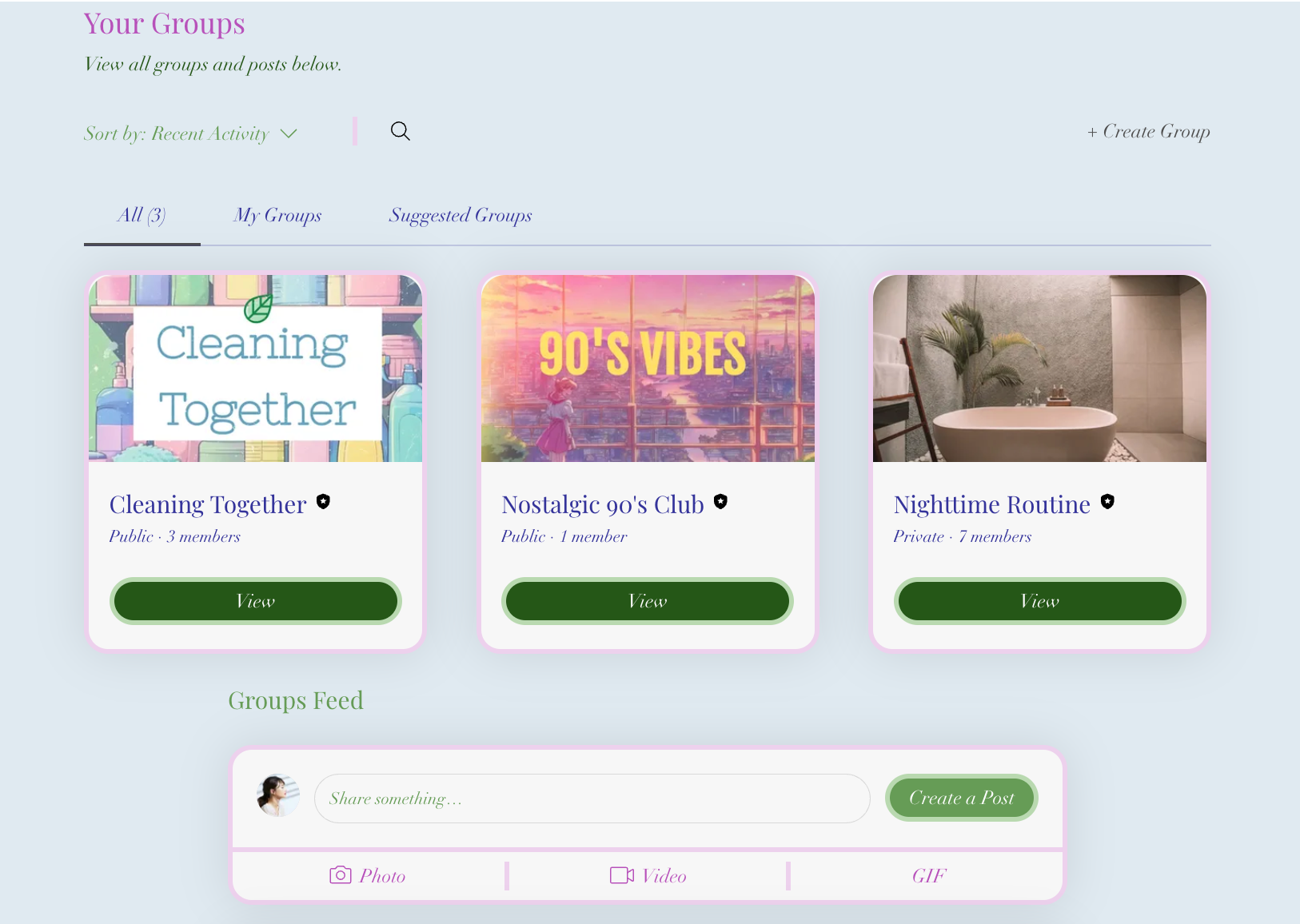
The Members Area also works well with Wix Groups. It's the ideal place for forum members to interact and get to know a bit more about others – what they've liked, commented on, or discussed.
This article is credited to the Wix team - https://support.wix.com/ and we thank them for that!