When publishing a site with code, whether it was created in Wix Editor or the Studio Editor, Wix performs an automatic check for any errors. We analyze your code files (i.e. page files, web modules, .js files) and validate the syntax that may prevent the bundling of code files.
Errors detected in the code
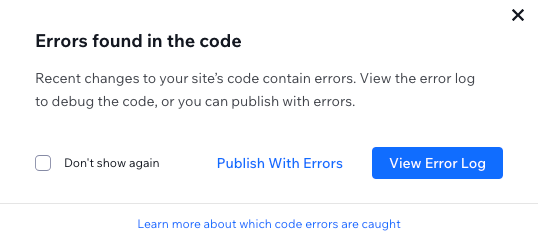
If dev mode is enabled while publishing and we detect errors in the code, you'll see a pop-up with options to:
View the most recent build.log file and analyze the errors.
Proceed with publishing the site despite the errors (not recommended).
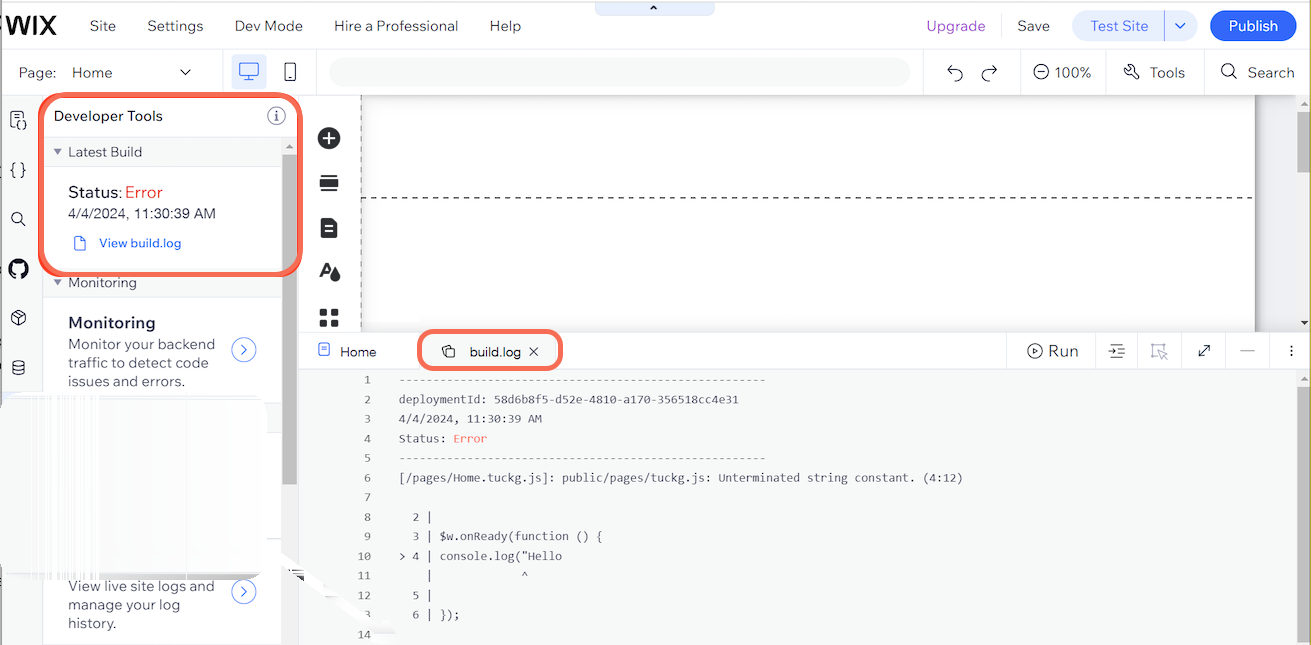
Either way, the build.log file is available under Developer Tools

in Dev Mode.
Note:
Wix only reports code errors if there have been changes to the code since the last time the site was published. If no modifications were made to the code, Wix publishes your site without requiring any additional confirmation.
FAQs
Click a question below to learn more.
Is there anything that Wix doesn't check in the code?
Yes. While most of your code is scanned, certain service plugin files are not automatically checked for errors.
Does the build.log file reset every time the site is published?
Yes, every time you publish the site, a new build.log file is generated and kept for 30 days.
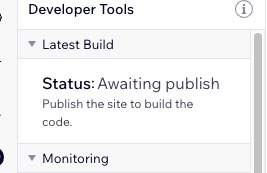
After 30 days, the status for your Latest Build (under Developer Tools
) will be 'Awaiting publish' until you publish the site again.
This article is credited to the Wix team - https://support.wix.com/ and we thank them for that!