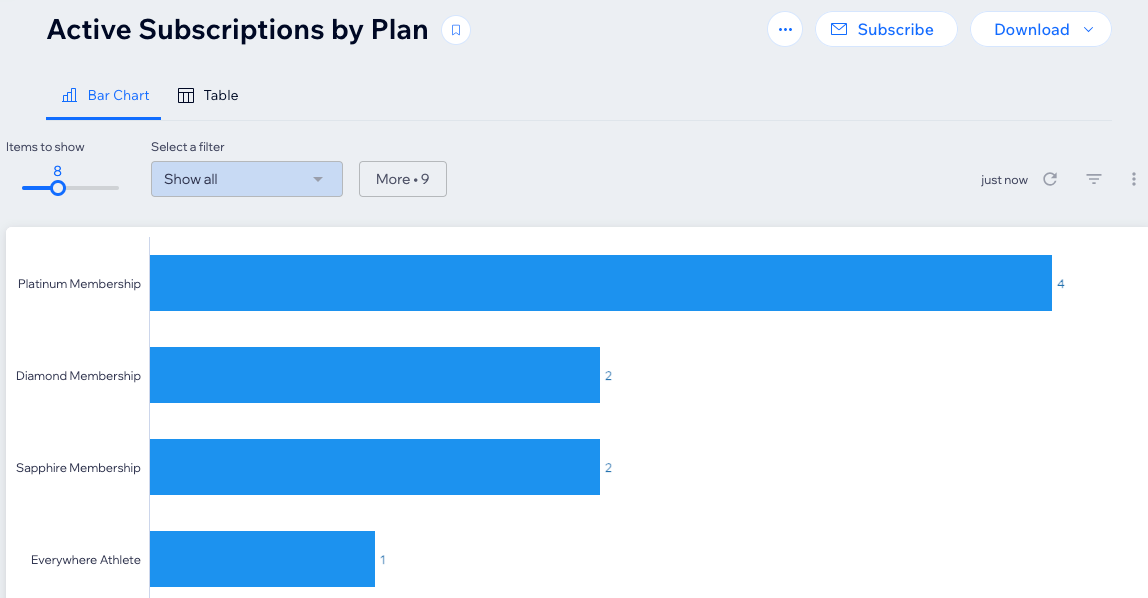
Wix Analytics offers a variety of sales reports to help you monitor your pricing plan sales. Choose how you want to view or present the information and customize the reports to suit your needs.
Note:
You can fully customize the information you see in your reports. Learn more about customizing how you view data in your reports.
To view or download a report:
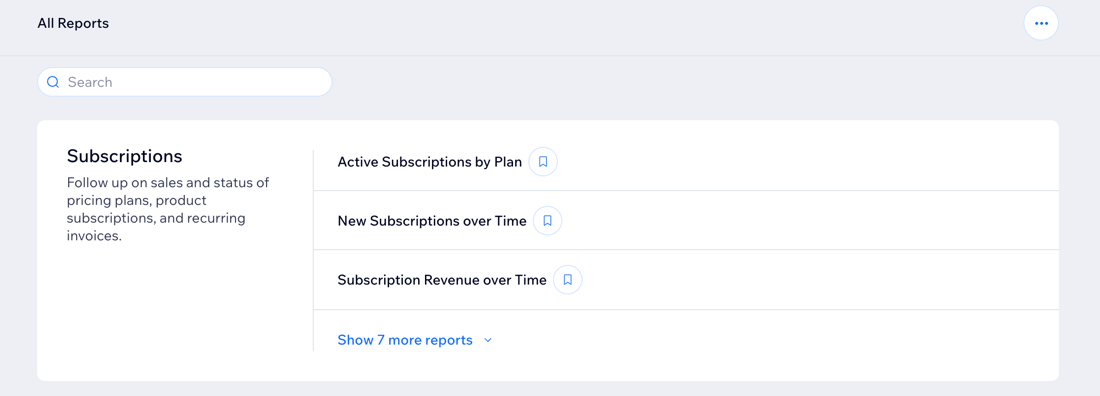
Go to All Reports in your site's dashboard.
Scroll to the Subscription Reports section.
Select the relevant report.
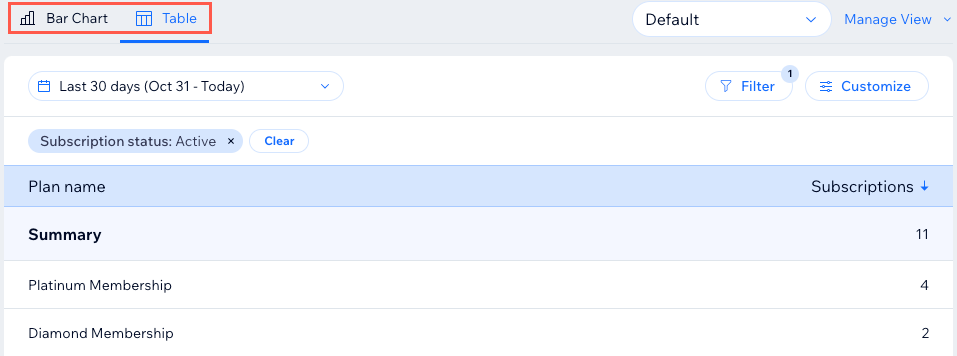
Click the relevant tab at the top of the report to access different chart types. Depending on the report, you may see different views.
Click Download in the top right.
Click CSV.
Tip:
Learn more about Wix Analytics subscription reports.
This article is credited to the Wix team - https://support.wix.com/ and we thank them for that!