After you sell a package to a client (e.g. a package that allows clients access to six classes per month), you can view how many sessions they have booked.
To view the number of sessions that have been used:
Go to the Subscriptions tab in your site's dashboard.
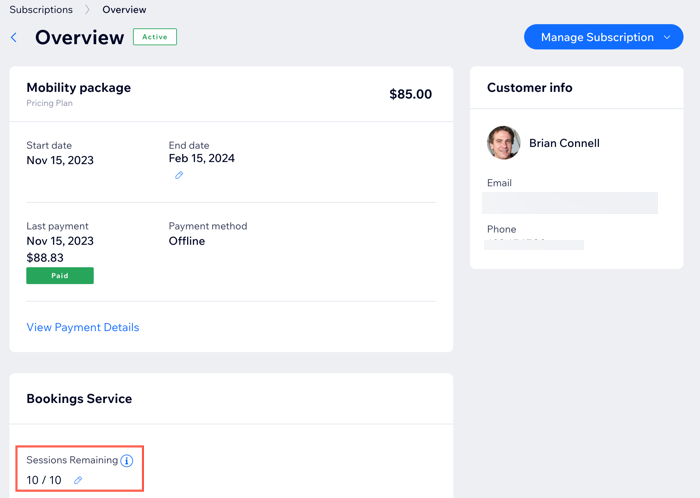
Select a purchased plan from the list.

View the number of sessions remaining.
(Optional) Click the Edit icon

to manually add or remove sessions.
Tip:
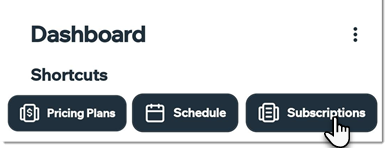
To check package usage in the Wix app, just tap the Subscription shortcut.
This article is credited to the Wix team - https://support.wix.com/ and we thank them for that!