When Google displays one of your site's pages in a search result, it includes the page's title tag, the page's URL, and a snippet from the page's meta description.

You can preview the information that will appear in search results from your page's SEO panel.
Tip:
AI-powered search tools and chatbots also summarize pages using your title and description, so you should preview them for factual accuracy and formatting.
Previewing your page in Google Search Results
Use your page's SEO panel to preview how it will look in Google search results.
To preview your page:
Wix Editor
Click Pages & Menu

on the left side of the editor.
Click the More Actions icon

next to the relevant page.
Click SEO basics.
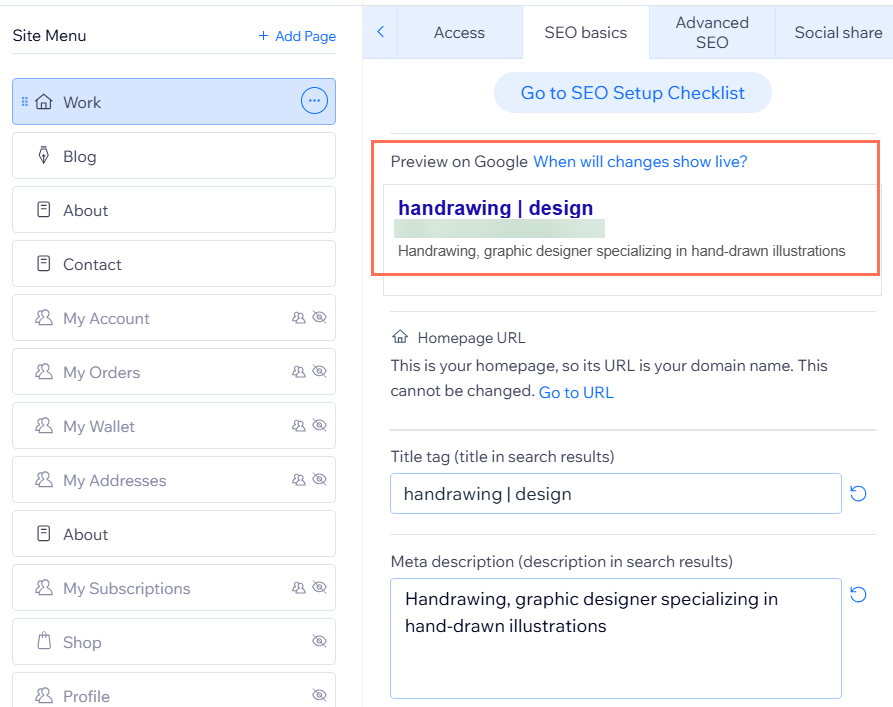
Check your page preview under Preview on Google.
Studio Editor
Click Pages

on the left side of the editor.
Click the More Actions icon

next to the relevant page.
Click SEO Basics.
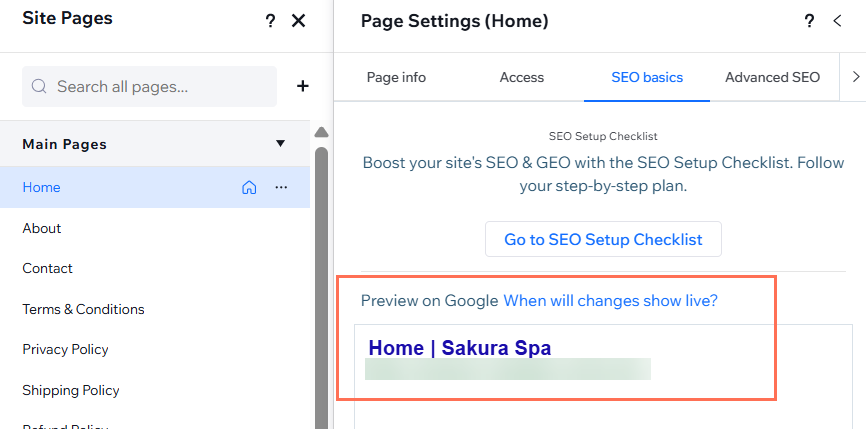
Check your page preview under Preview on Google.
Wix Harmony Editor
Click the Page dropdown at the top left of the page.
Click the More Actions icon

next to the relevant page.
Hover over SEO and accessibility and click SEO.
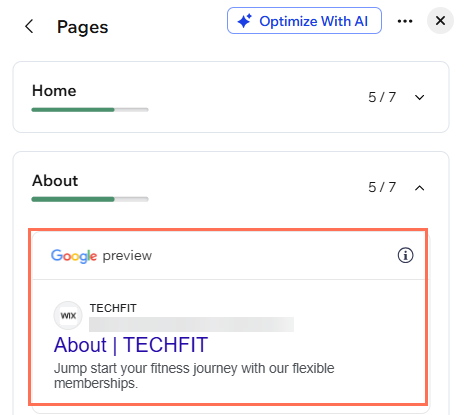
Check your page preview under Google Preview.
Previewing your Wix Stores product page in Google search results
You can also see how individual product pages will look in Google search results in your site's dashboard.
To preview your product page:
Go to Products in your site's dashboard.
Click the product you want to view.
Click Edit SEO Settings in the Marketing and SEO section on the right.
Click the Basics tab.
View your product's preview under Preview on Google.
Important:
It takes time for changes you make to your SEO settings to appear on Google. Learn more about the time it takes for site changes to appear in search engine results.
This article is credited to the Wix team - https://support.wix.com/ and we thank them for that!