Organize your online programs into categories to help people find what they're looking for. First, pick a name for your category. Then, choose the programs that belong in that category. You can add up to ten categories to each program. The category names will show up in your program list. You can change a category's name, and you can delete it later, whilst keeping the programs.
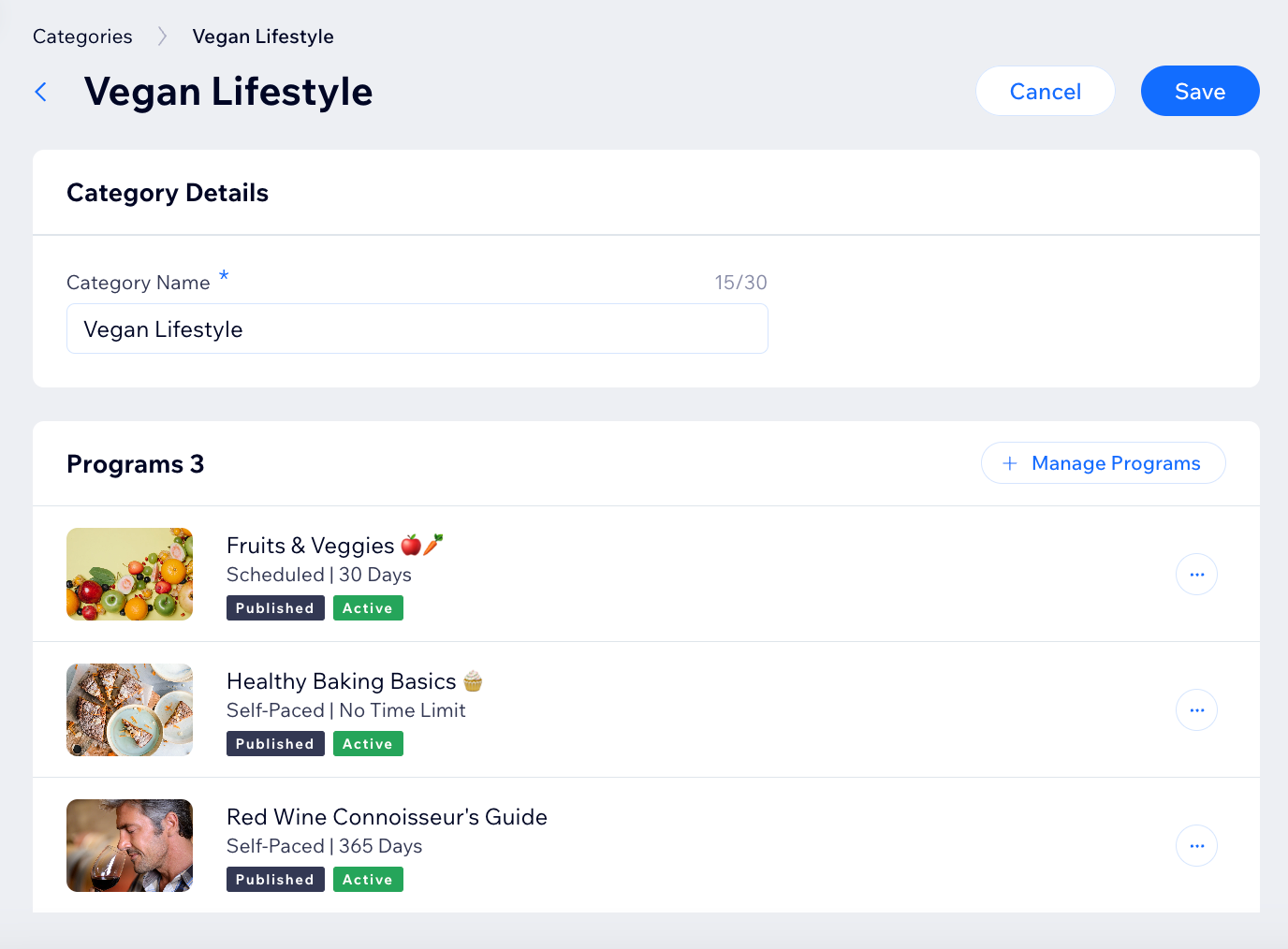
To add and manage categories:
Go to Online Programs Categories in your site's dashboard.
Choose what you want to do:
Create a new category
Click Add New Category.
Enter a category name.
Click + Add Programs.
Select the checkboxes next to the relevant programs.
Click Confirm.
Click Save.
Add or remove programs from a category
Hover over the relevant category and click Edit.
Click + Manage Programs.
Select or deselect the checkboxes next to the relevant programs.
Click Confirm.
Click Save.
Rename a category
Hover over the relevant category and click Edit.
Edit the category name.
Click Save.
Delete a category
Click the More Actions icon

next to the relevant category.
Click Delete.
Click Delete to confirm.
This article is credited to the Wix team - https://support.wix.com/ and we thank them for that!