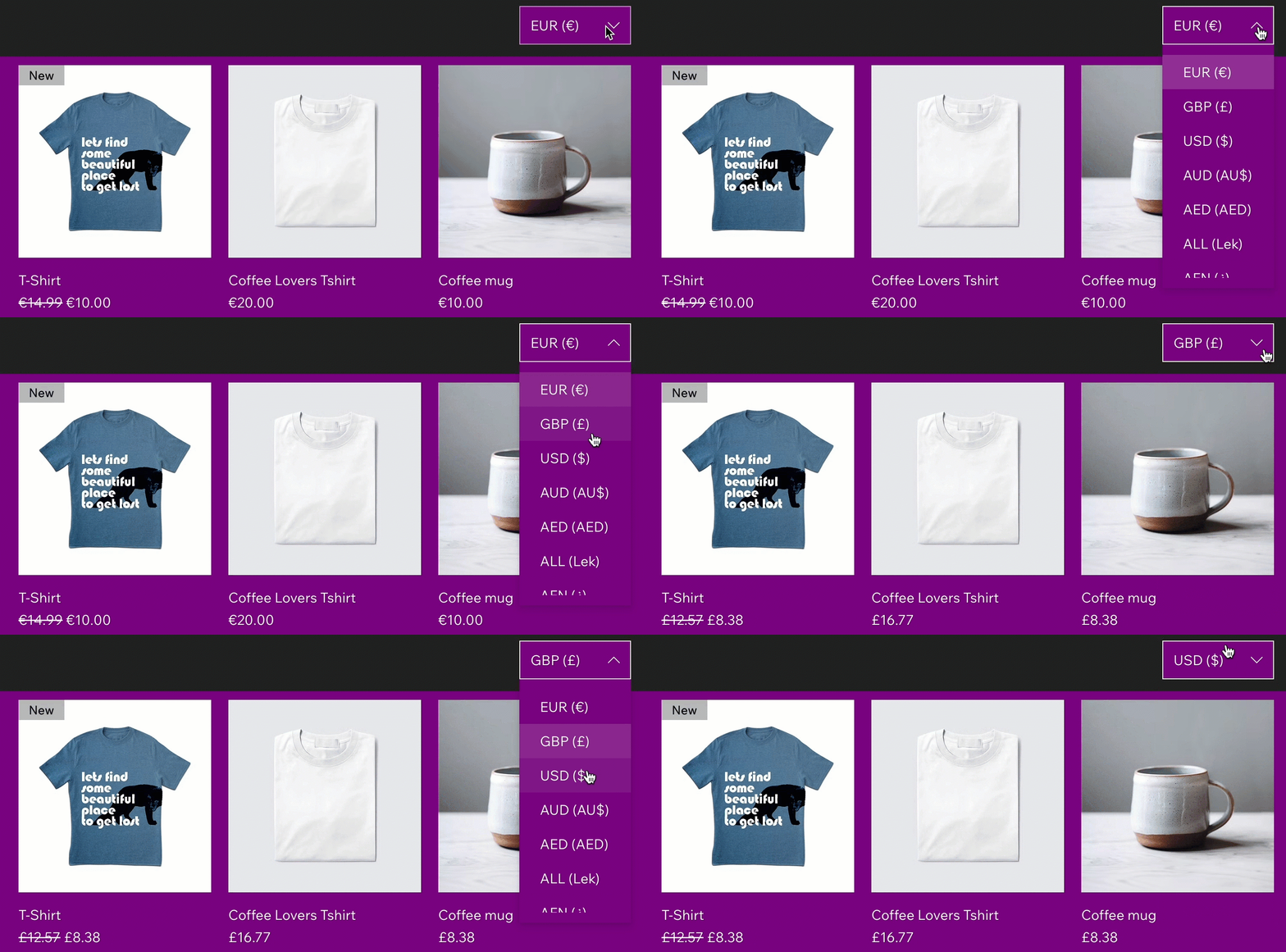
Multi-currency allows you to offer customers the convenience of viewing prices and paying in their local currency. This means that customers can check out in a currency that is different from your main site currency.
For example, your site's main currency is US dollars. You've enabled Multi-currency to offer product prices in Euros as well. With this feature, a customer can complete their purchase and pay in Euros—not just view the prices in that currency.
Before you begin:
Currently, Multi-currency is available for eligible sites with Wix Payments, and for sites using PayPal or Stripe as a third-party provider. Multi-currency is available for Wix Stores, Wix Bookings, and Wix Donations.
Supported currencies and payment methods depend on the provider:
Only payment methods that support your customer's currency appear at checkout.
If a customer's local currency isn't supported or included in your currency converter, they will view prices and pay in your site's main currency at checkout.
For Wix Payments transactions with Multi-currency, fees are based on your country and selected payment method. For example, in the US, these include a processing fee based on the payment method used (2.9% + 0.30 USD for Credit/ Debit Cards, (excl. American Express)), a currency conversion fee (1%), and a cross-border fee (1.5%, if applicable). To view fees specific to your country, see Wix Payments fees by country. If you use PayPal or Stripe as a third-party provider, check the provider's terms for their associated fees.
Enhance the customer experience
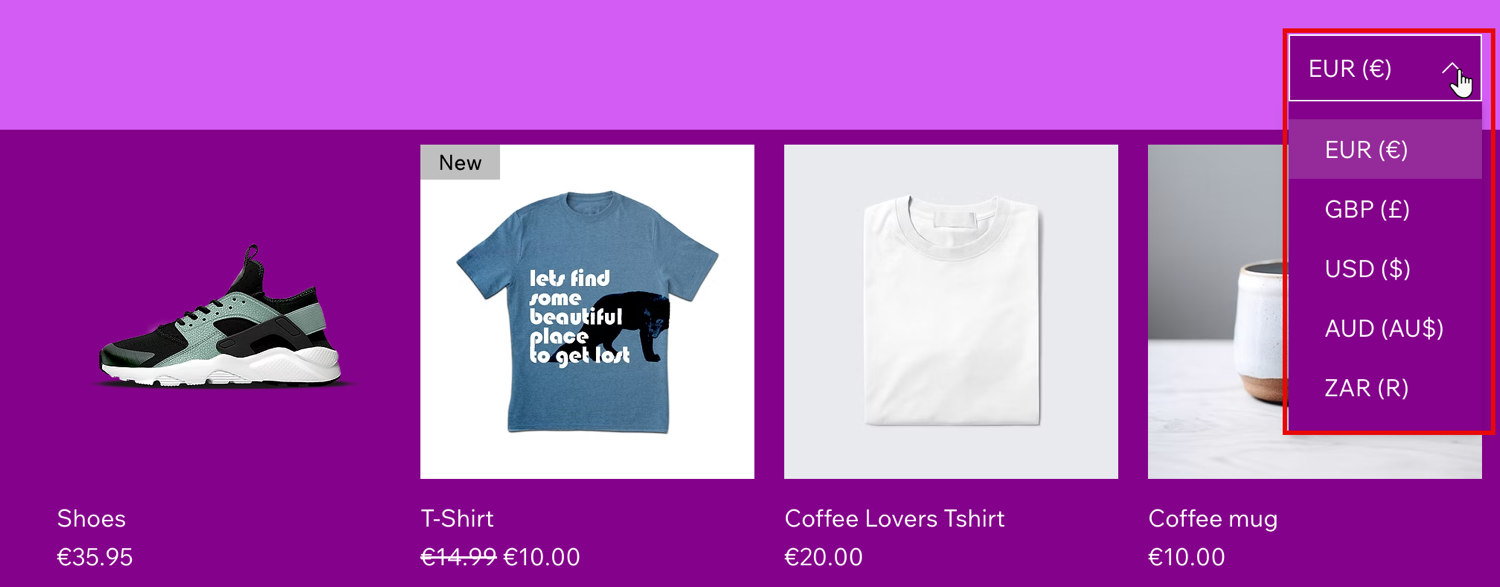
Offering multiple currencies enhances the shopping experience for your customers. Displaying prices in their local currency helps them clearly understand costs, while allowing payment in their currency makes the checkout process more convenient and trustworthy.
Did you know?
Allowing customers to view prices and pay in their local currency may boost your conversion rates by up to 20%.
Increase international sales and conversions
Attract and cater to customers in different markets by displaying and accepting payments in their local currency. Prices are converted automatically using current market exchange rates from the XE Currency Converter and updated daily. Offering prices and checkout in local currencies reduces barriers and improves the likelihood of completed purchases.
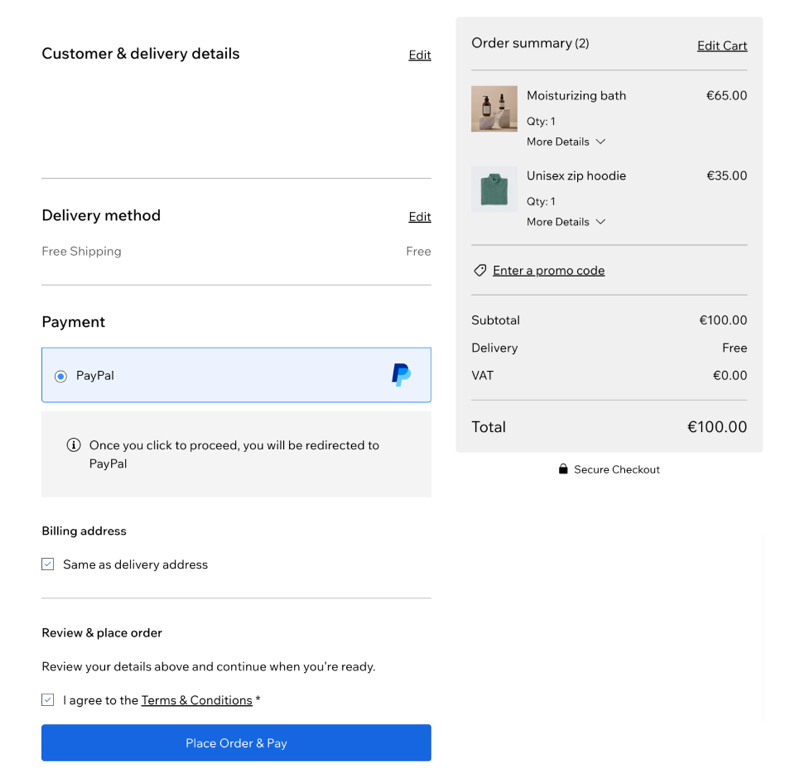
At checkout, only payment methods that support Multi-currency are shown. For example, Klarna is only available for your site's main currency. For Multi-currency transactions with Wix Payments, processing, currency conversion, and cross-border fees apply (If applicable). If you use PayPal or Stripe as a third party provider, check with your provider for any additional conversion fees.
Easy setup and management
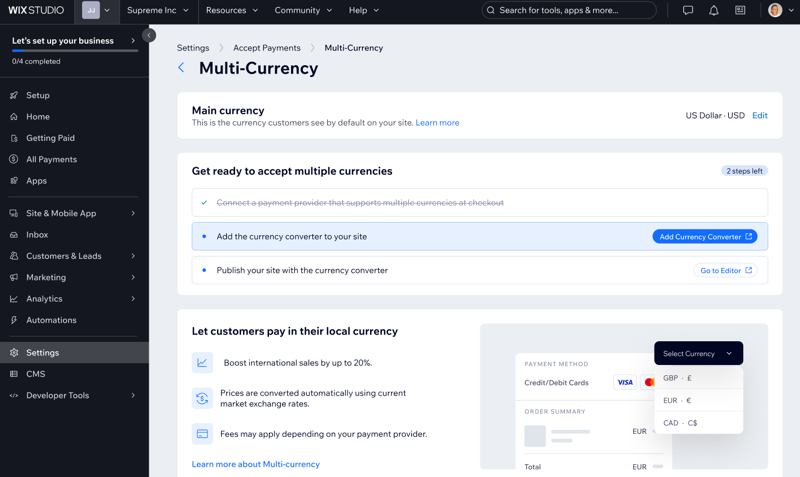
Setting up multiple currencies on your site is quick and straightforward. You can enable customers to view prices and pay in their local currency in just a few steps.
Head over to the step-by-step guide on how to set up Multi-currency or remove it from your site.
FAQs
Click a question below to learn more about Multi-currency.
How do I enable Multi-currency on my Wix site?
To enable Multi-currency, complete your setup in Multi-currency settings by following the Multi-currency setup instructions.
How many currencies can I offer on my site?
The number of currencies depends on the currencies that are supported by your payment provider. This allows you to support key global markets and provide a seamless experience for international customers.
Can gift cards be purchased in multiple currencies?
Gift cards can be purchased in multiple currencies during checkout. However, they are always created in your site’s main currency. When the recipient redeems the gift card, the amount will be deducted in the main currency and converted to the selected currency at the current exchange rate.
Are manual or edited orders supported when using Multi-currency?
No, manually created or edited orders are not supported in Multi-currency.
Can I charge orders in multiple currencies?
Yes, you can charge orders in multiple currencies by using the Collect payment button. This allows you to charge customers in their selected currency.
Will offering multiple currencies affect my conversion rates?
Offering multiple currencies can boost your conversion rates by up to 20%, as it provides a smoother and more trustworthy experience for international buyers.
Can I delete the currency converter?
Yes, you can.
Select the currency converter, then right-click.
Click Delete.
Click Delete App to confirm.
What happens to subscription payments purchased using Multi-currency?
Subscriptions purchased in a currency other than the site's main currency use the exchange rate of the initial purchase. The rate remains fixed for the entire subscription and does not update with currency fluctuations.
This article is credited to the Wix team - https://support.wix.com/ and we thank them for that!