Important:
This article refers to the original Wix Hotels app. If you are using the new Wix Hotels by HotelRunner, read this article. Learn how to check which version of Wix Hotels you are using.
You can manually mark a reservation as Paid once your guest has paid in full. This is useful if you accept payments offline or if you only require a deposit fee (e.g. 25%) when the booking is made.
To mark a reservation as paid:
Click the Hotels tab.
Click the Reservations tab.
Click the reservation on the calendar.
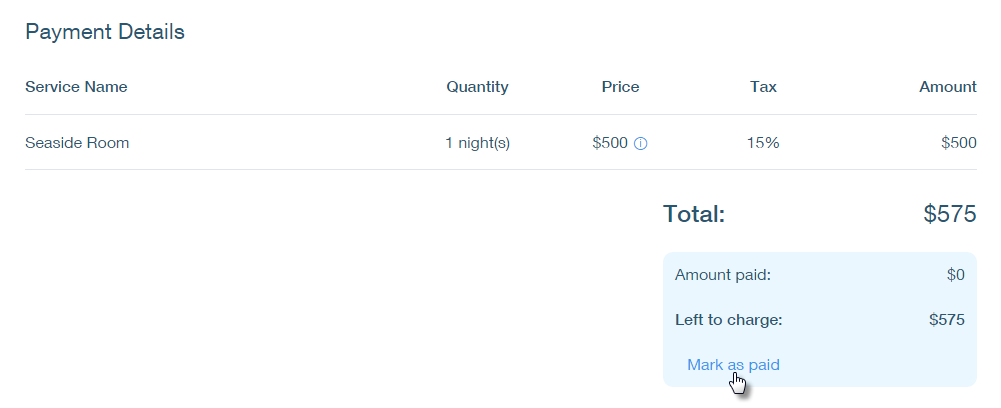
Scroll down to the Payment Details section.
Click Mark as paid.
Click Yes, I'm Sure.
This article is credited to the Wix team - https://support.wix.com/ and we thank them for that!