You can repurchase an expired or canceled Google Workspace business email through your Wix account.
Important:
Your business email data is retained in accordance with Google’s applicable terms and conditions and data retention policies. If you repurchase your business email within Google’s retention period, your business email data will be restored.
To repurchase your Google Workspace business email:
Go to Business Email in your Wix account.
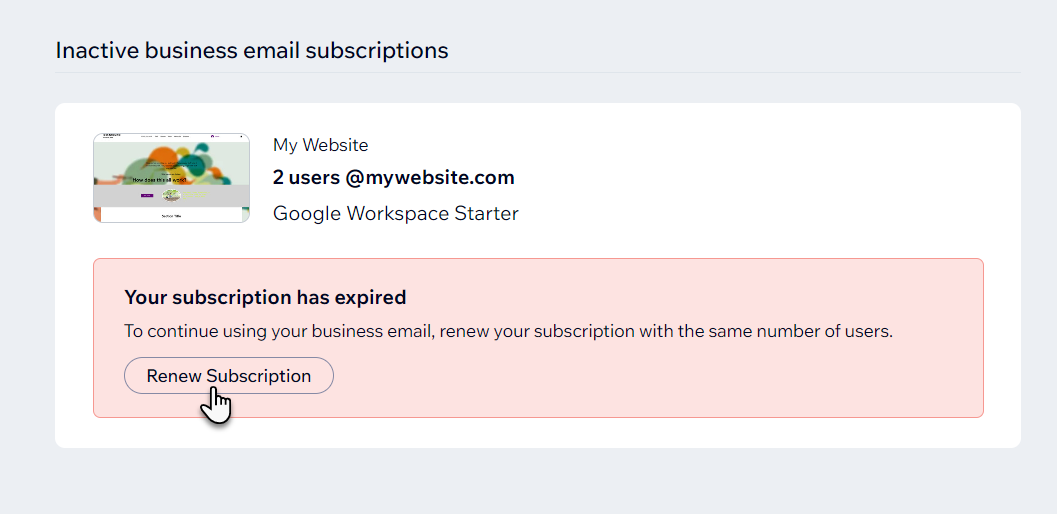
Click Renew Subscription under the relevant business email.
Follow the steps in the pop-up window to repurchase your business email.
This article is credited to the Wix team - https://support.wix.com/ and we thank them for that!