Identifying your Google Workspace admin is important, as the admin manages billing, user settings, and service configurations. This ensures quick issue resolution and smooth operations.
To see which business email has been set as the admin:
Go to your Business Email page.
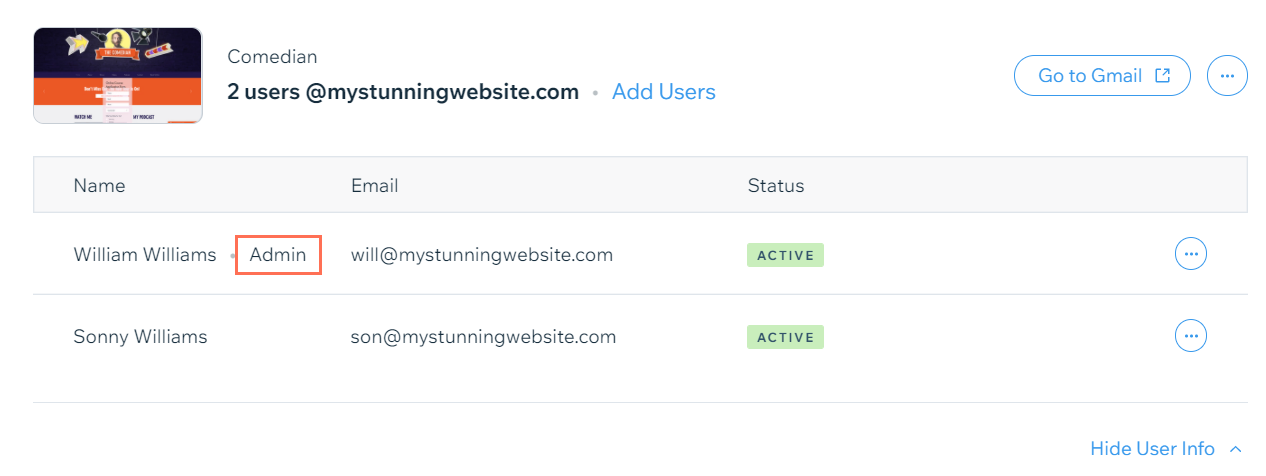
Click Show User info next to the relevant email account.
Locate your admin business email next to 'Admin'.
This article is credited to the Wix team - https://support.wix.com/ and we thank them for that!