If you submitted a page for Google to index and received the Submitted URL Marked 'noindex' error message, it means that Google has identified that your page should not be indexed and displayed in search results.
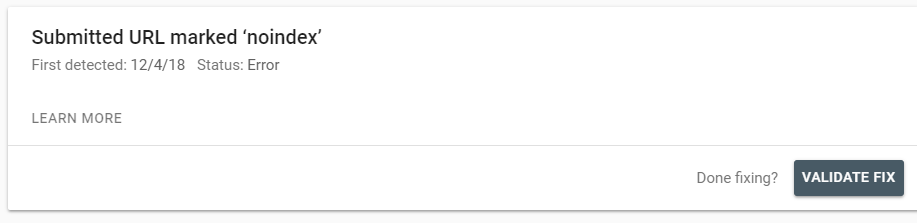
The 'noindex' tag is a meta tag that you can add to a page's HTML code in order to prevent search engines from showing it in search results. However, this error message doesn't necessarily mean that there is a 'noindex' tag in your code. There can be various reasons for this error to come up, that you can easily check and fix.
If you're getting the Submitted URL Marked 'noindex' error message, try these steps:
Step 1 | Check the URL
Make sure that you entered the URL of the page correctly when you submitted it for indexing.
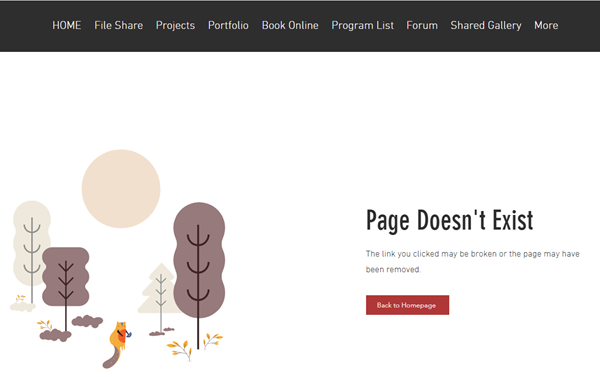
You should also make sure that it corresponds with an existing page on your site that doesn't return a 404 error message or 5xx error message.
Step 2 | Make sure search engines can index your page and site
Check your site's pages to make sure that search engines are not prevented from indexing them. In this case, the page would have a "noindex" tag in the code and Google will not include it in search results.
Learn how to check if search engines can index your pages in:
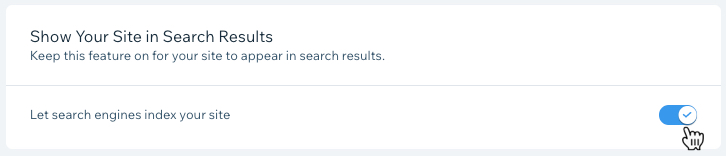
You should also check your site's settings to make sure that search engines can index it.
Step 3 | Check if the page is password protected
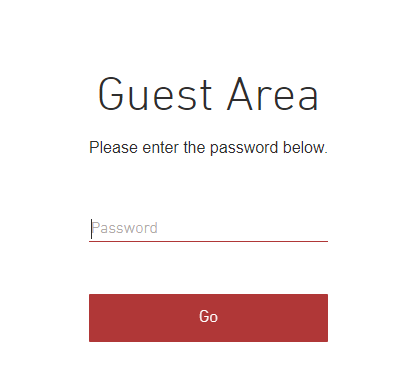
Make sure that your page is not password protected. In this case, the page would have a "noindex" tag in the code and Google will not include it in search results.
Learn more about password protected pages in:
Step 4 | Check if the page is a members only page
You should make sure that the page is not set to members only. Members only pages are excluded from search results by default.
Learn more about members only pages in:
Step 5 | Use the URL Inspection Tool
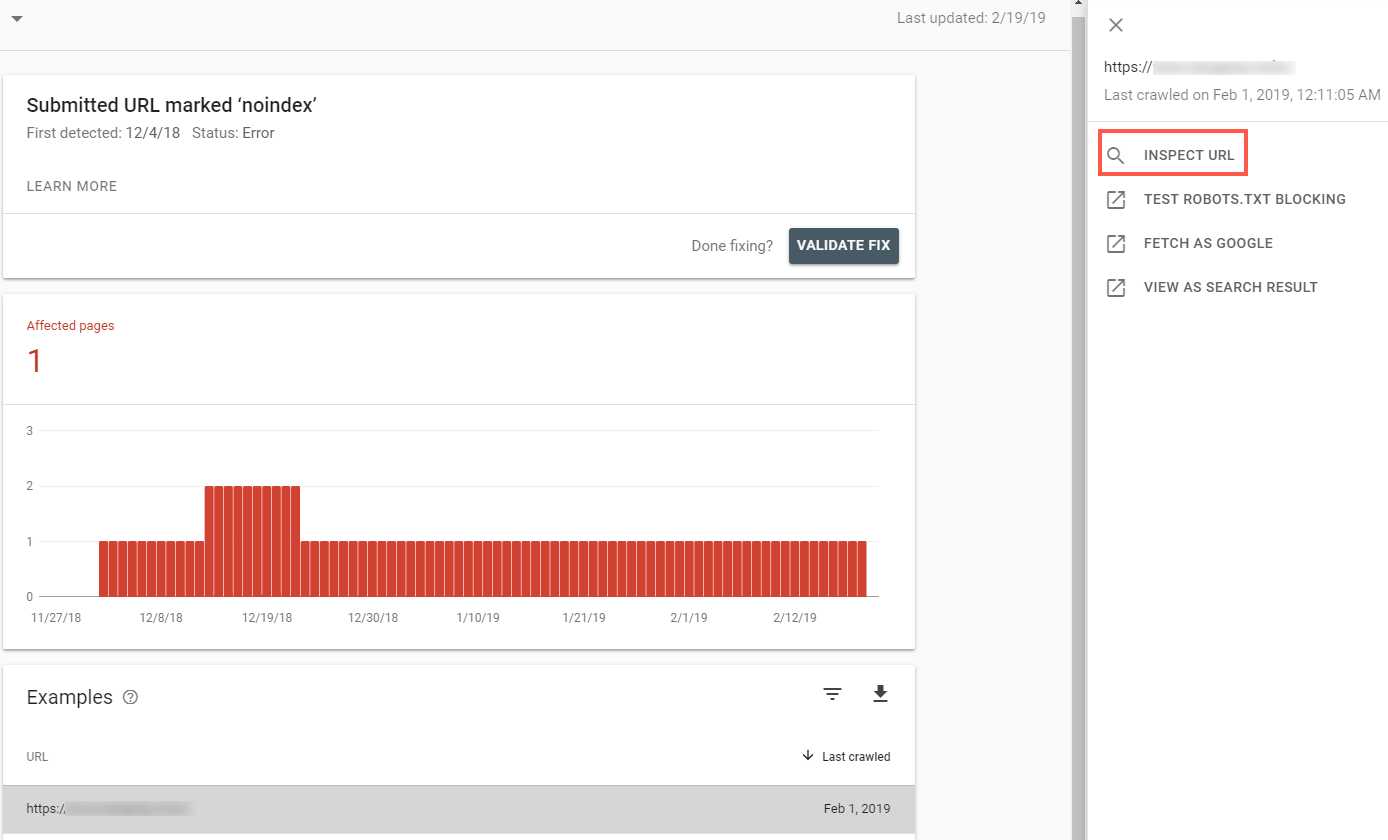
If the page is indexed, not a members only page, or not password protected, you should inspect the URL using Google's URL Inspection Tool.
The URL Inspection Tool allows you to submit individual pages to Google and simulate how Google crawls or renders a URL on your site. You can use it to diagnose errors that are preventing the page from being indexed. Learn more
Step 6 | Check the Last Crawled date
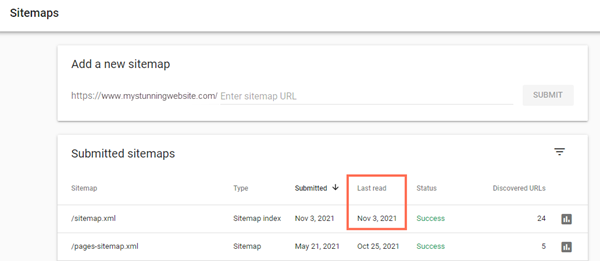
Check the date below Last read in the Sitemaps report in Google Search Console. If the date is over a month ago, the error message is most likely not relevant anymore.
Step 7 | Request Google to index the page
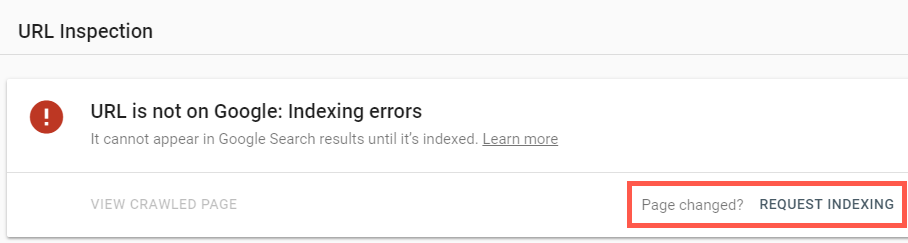
If you've checked all the above and the page is still not indexed, request Google to index by clicking Request Indexing in the URL inspection tool.
This article is credited to the Wix team - https://support.wix.com/ and we thank them for that!