If you need to enable or disable one of your payment methods (e.g. credit card, Apple Pay) on your checkout, you can do so at any time without having to disconnect your account. You can reverse the process just as easily by following the same steps.
To enable or disable a payment method:
Go to Accept Payments in your site's dashboard.
Click Manage next to the relevant payment method.
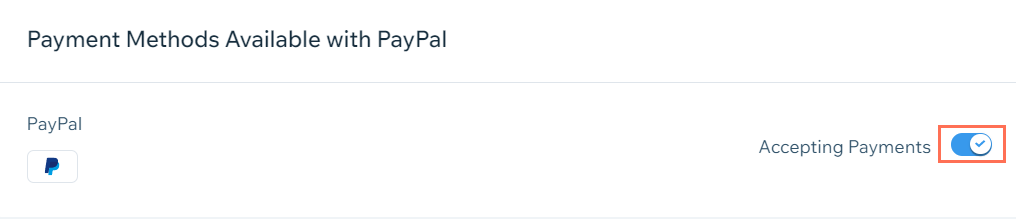
Click the toggle to enable or disable the payment method.
Confirm your choice.
This article is credited to the Wix team - https://support.wix.com/ and we thank them for that!